Club News

2020 Digital Photo Winners

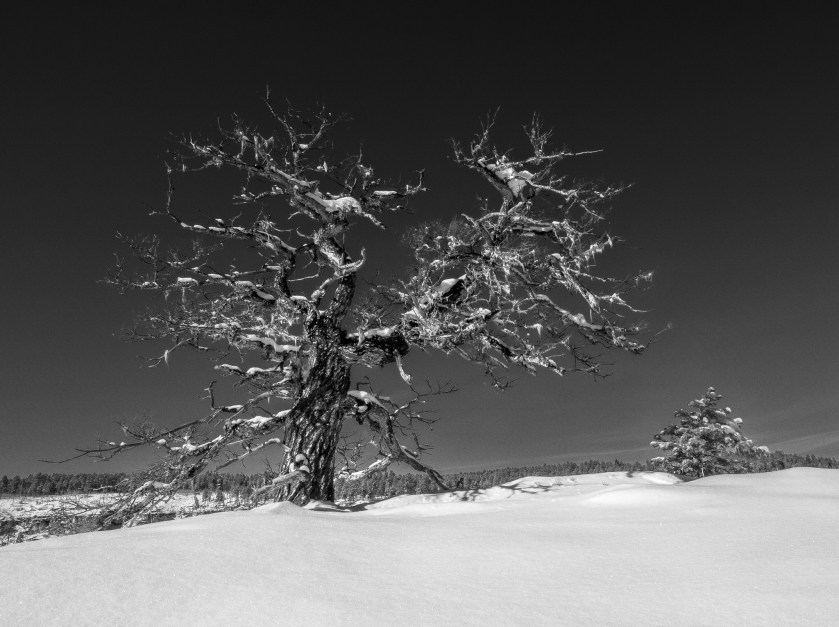
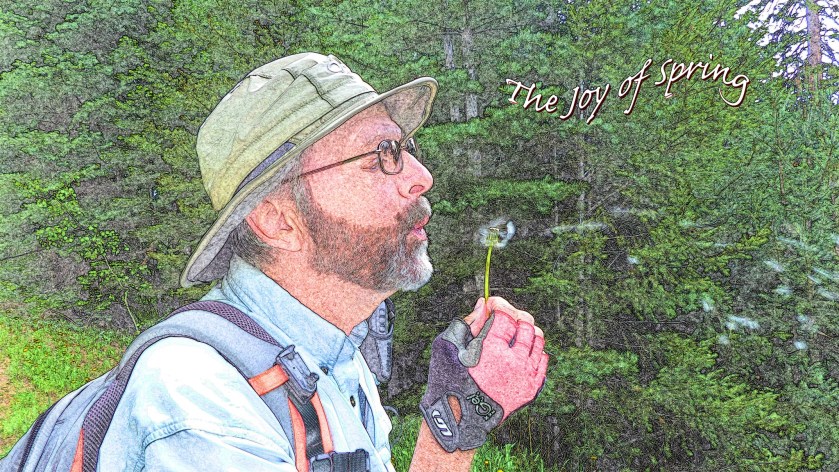
The Pagosa Springs Photography Club held its Third Annual Digital Photography Awards presentation on October 14, by videoconference. Winners of the competition were announced during the presentation. The contest received entries from 21 Photography Club members in four categories: Landscape, People, Creative, and Nature. In total, 112 photos were entered. The images in each category were judged by two professional photographers on the basis of composition, impact and technical quality. In addition, this year the images were also voted on by Club members to determine “People’s Choice” images. 

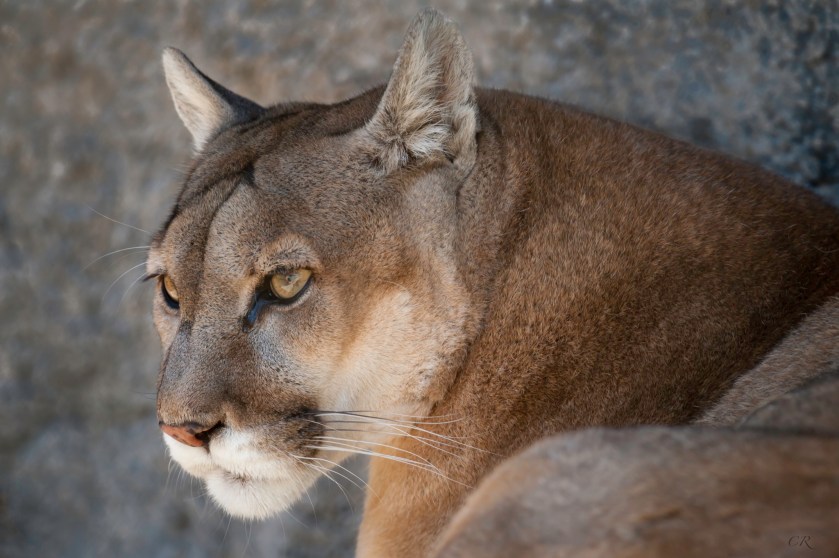
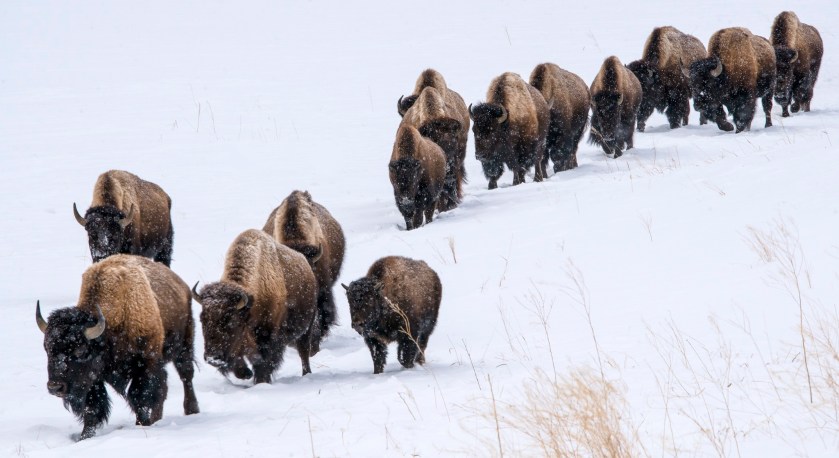
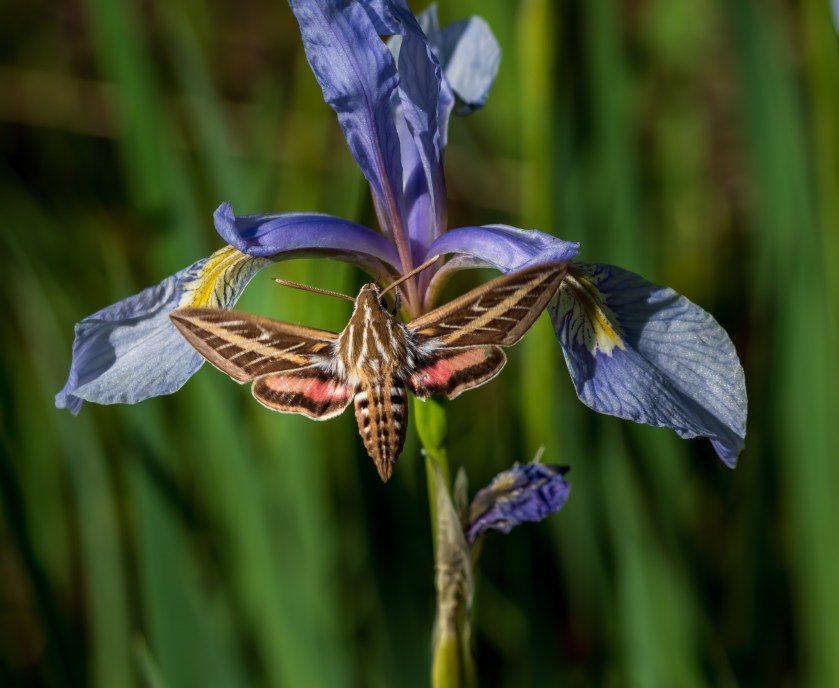
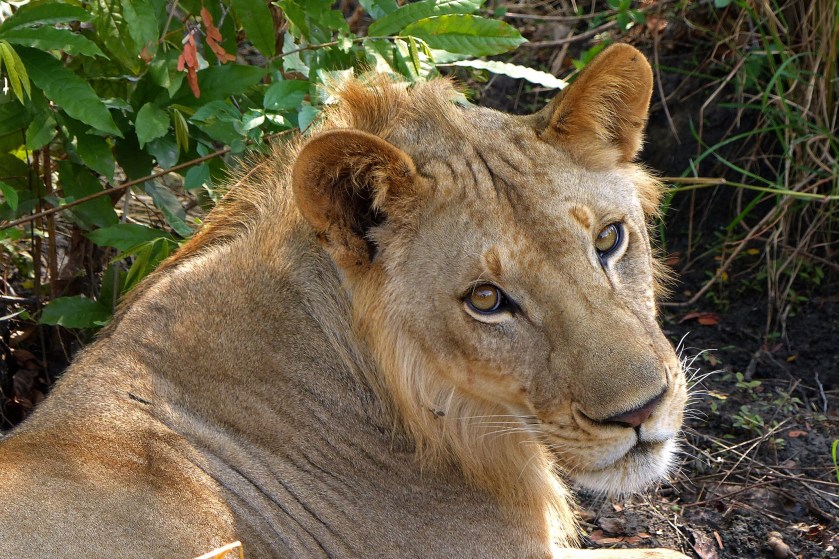
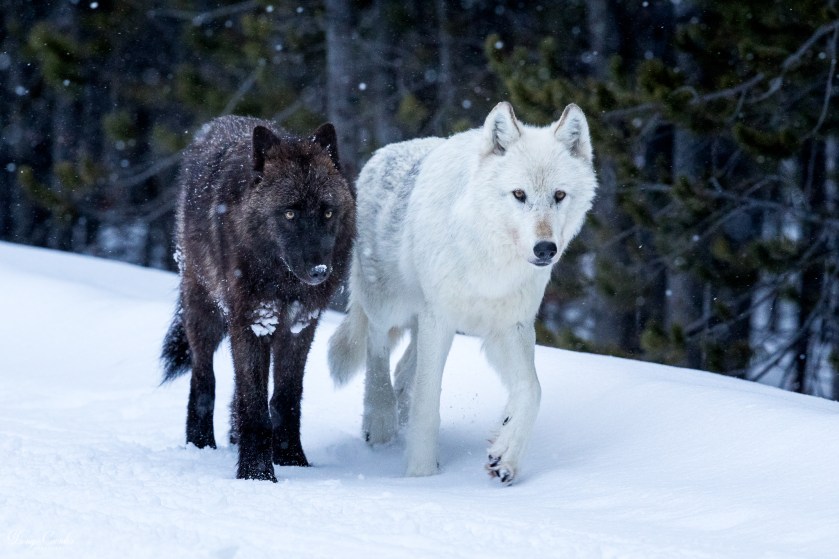
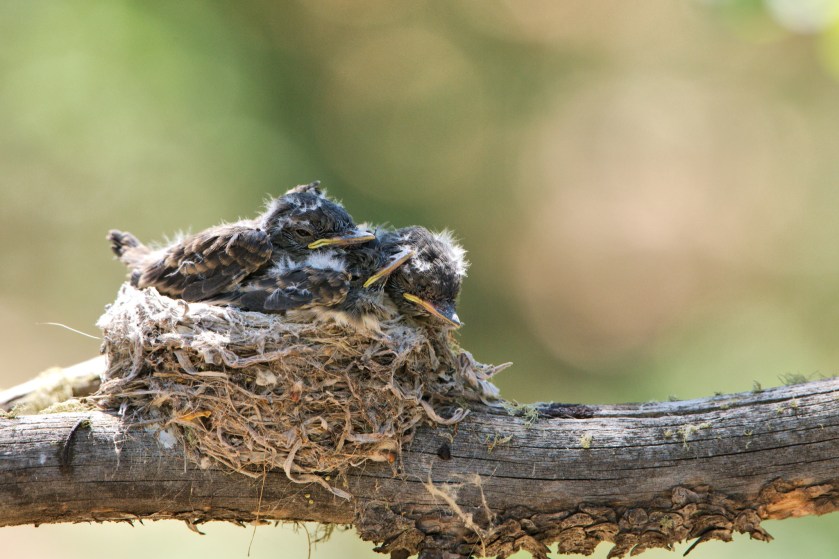
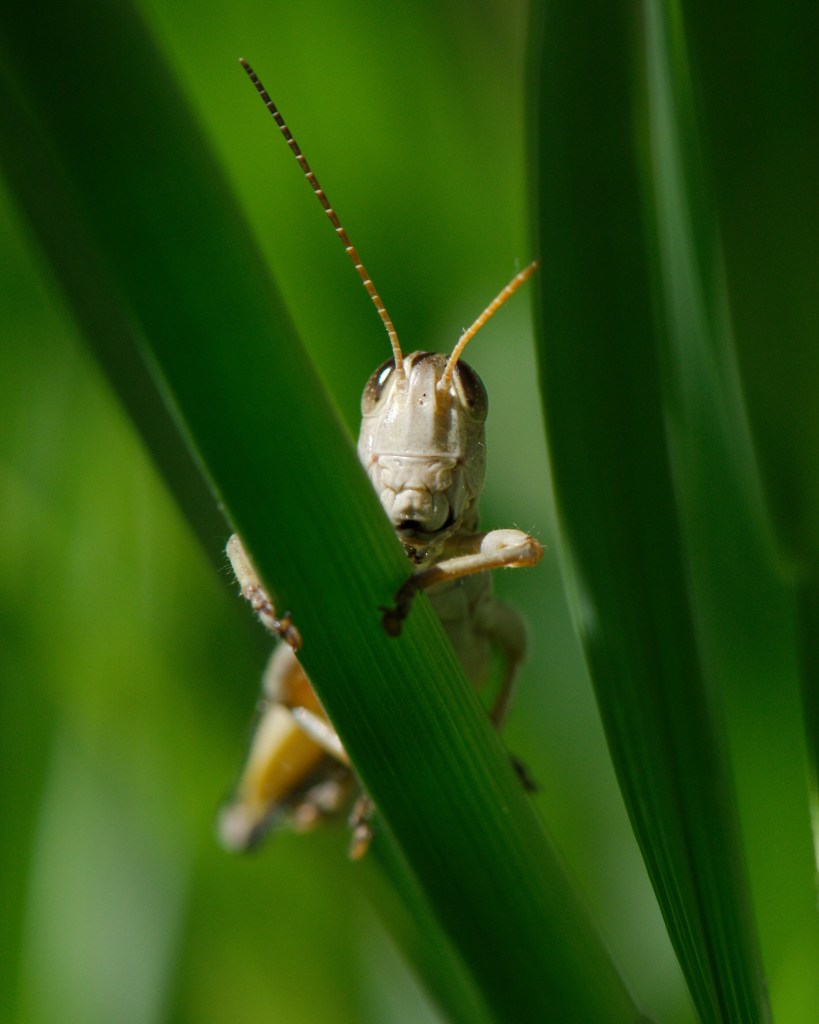
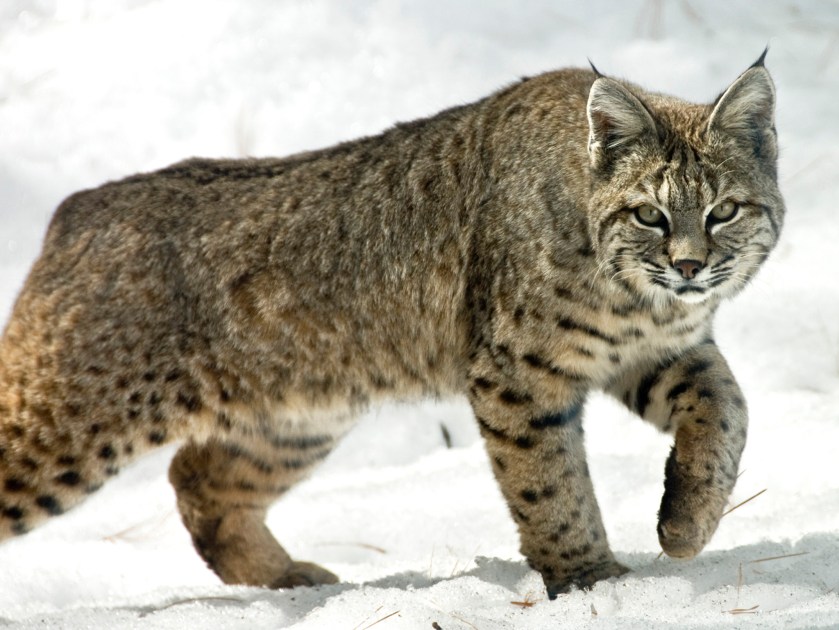
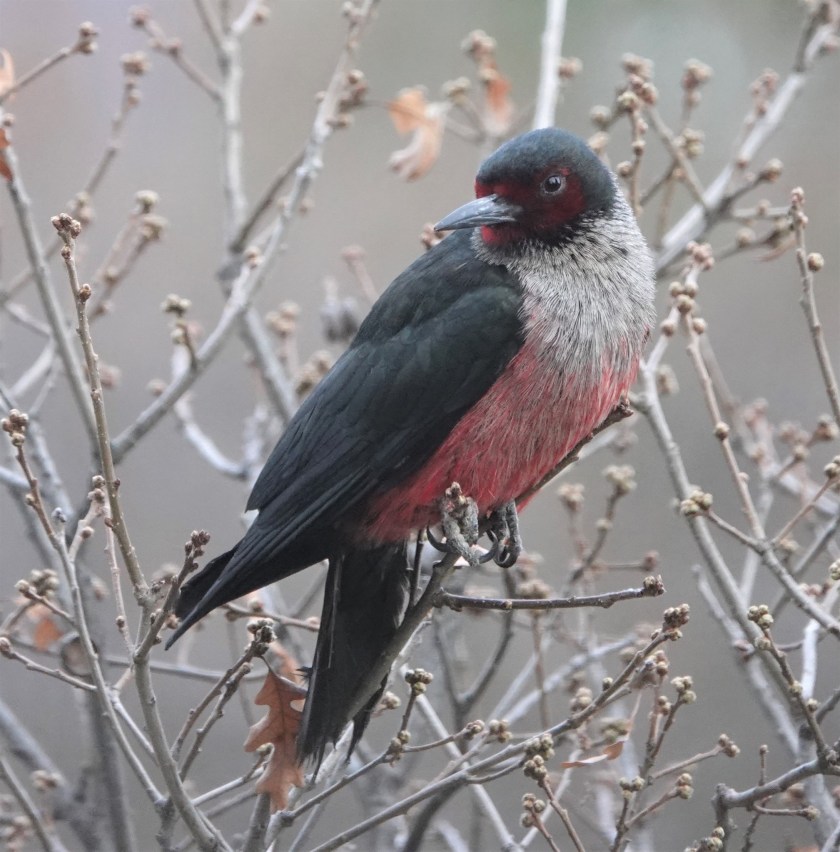
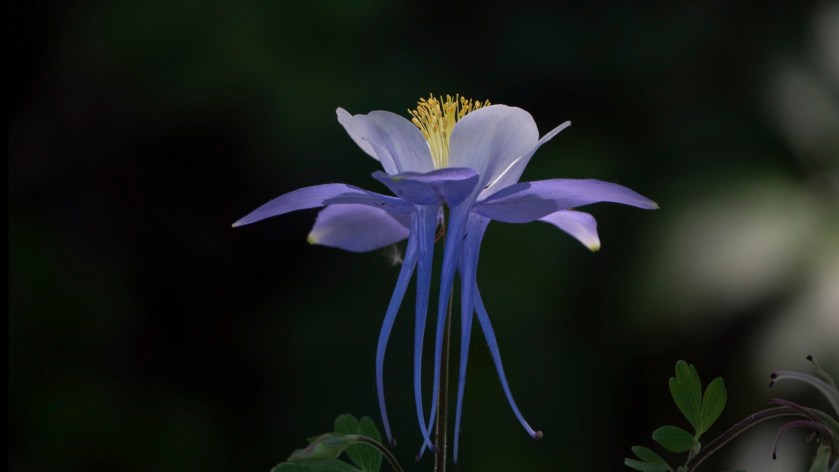
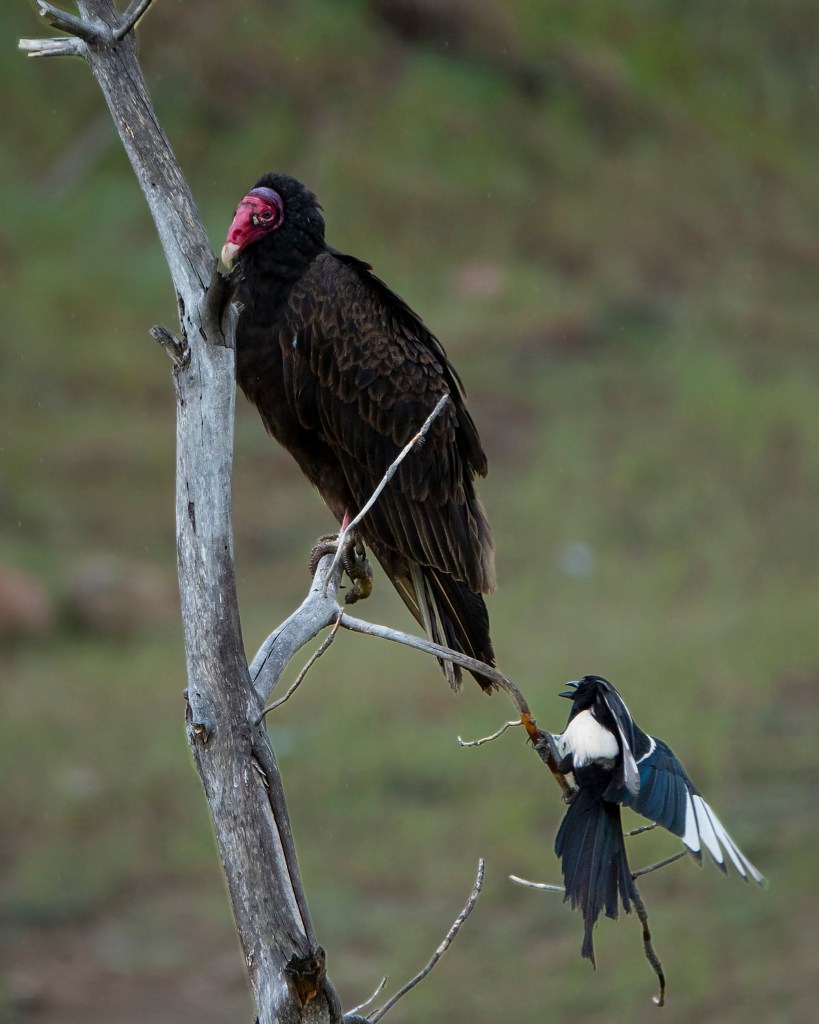
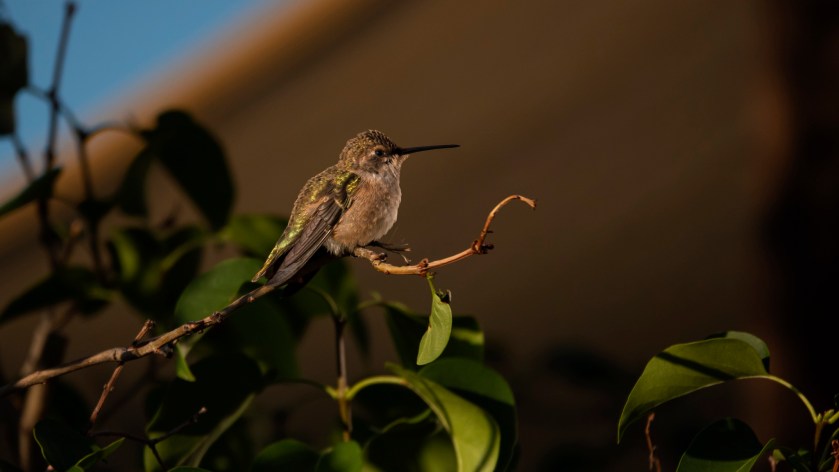
In the Nature category, winners were Chris Roebuck, for his photo “Cougar”.  Dave Anderson received 2nd place for “Migration”, and Andy Butler’s photo “Sphinx Moth” was third. With many outstanding photos in this category, there were a number of Honorable Mention’s; images that scored very close to the top three. These included Lion, by Dean Dussell; Alpha Pair, by Doug Coombs, Full House, and Grasshopper, by Kathie Disner; The Stalker, by Linda Pampinella; Lewis Woodpecker, by Liz Jamison; Colorado Columbine and Size Matters, by Darryl Saffer; and Bittern Showing of His Socks and Hummingbird’s Break Time, by Diane Cirksena. People’s Choice awards for the Nature category were Dave Anderson, 1st for Migration, Darryl Saffer, 2nd for “Colorado Columbine”, and 3rd to Linda Pampinella for “the Stalker”. 

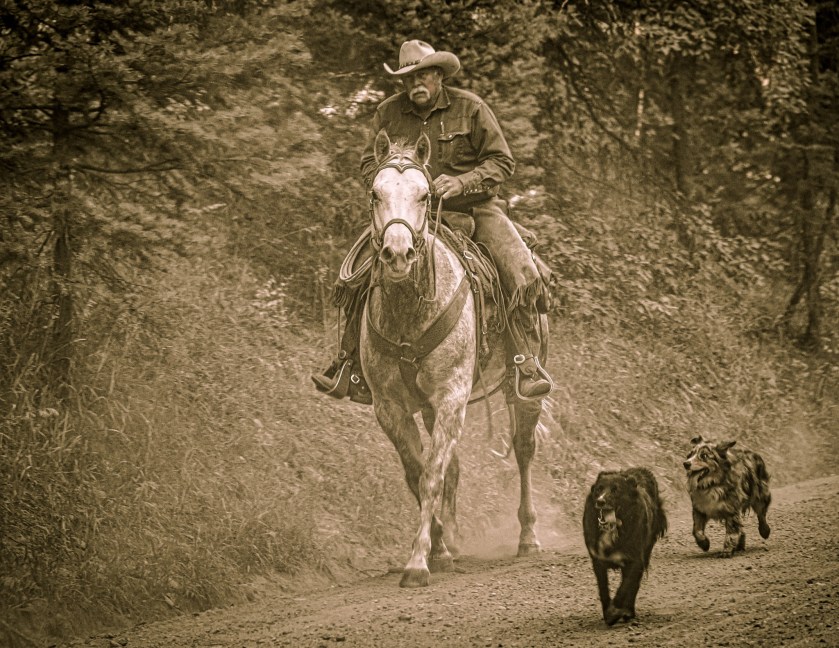
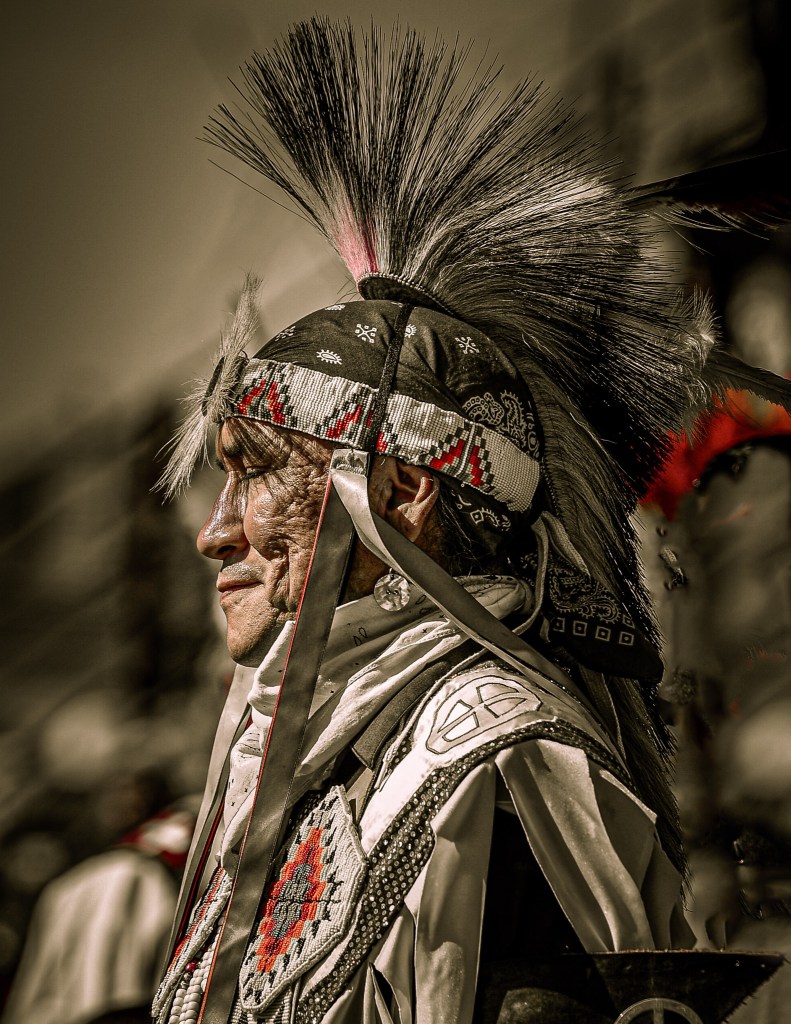
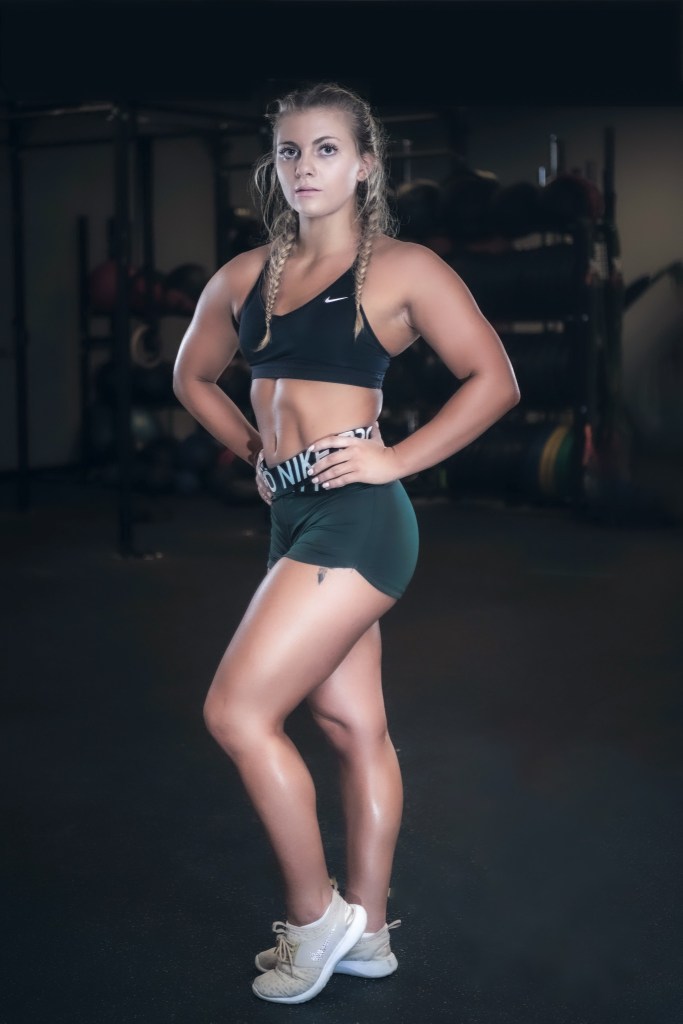
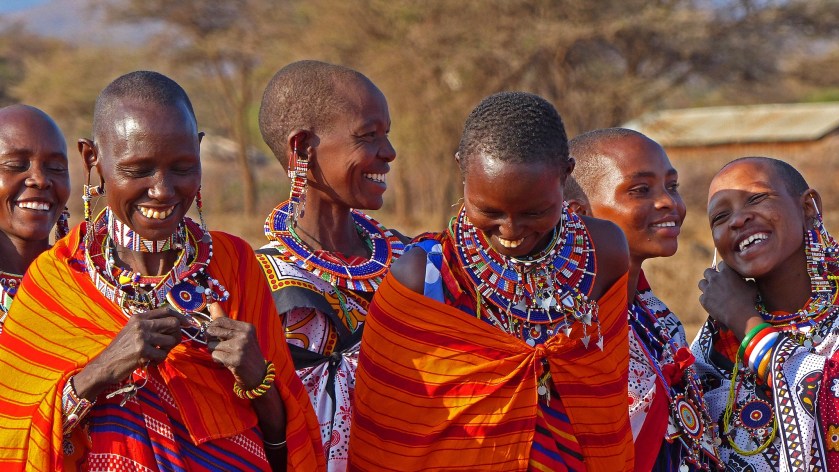
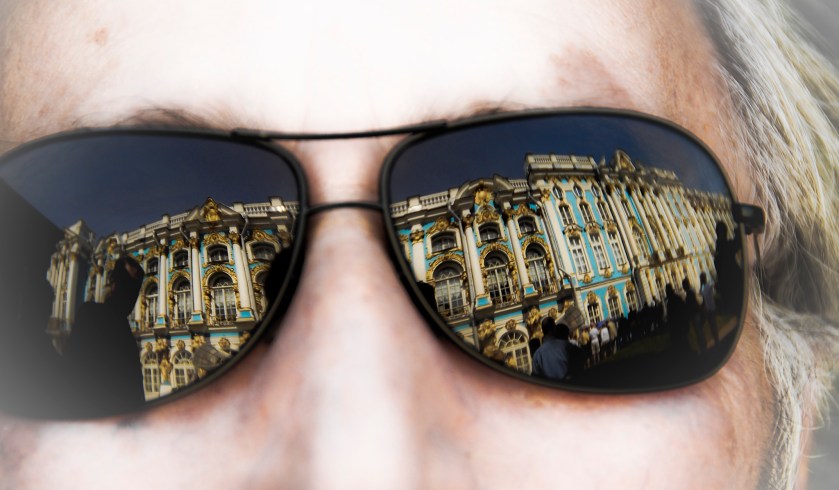
The winning image in the People category was Fred Guthrie’s “Working Cowboy.” Guthrie also received 2nd place for “Native Portrait”. Third place was awarded to Lorie Butts, for “Gym Brat”. Honorable Mention went to Dean Dussell for Masai #1 and to Linda Pampinella for Shades of Peterhoff. Guthrie’s two images tied for first in the People’s Choice voting as well. The third place People’s Choice image was Dean Dussell’s “Masai #1”.

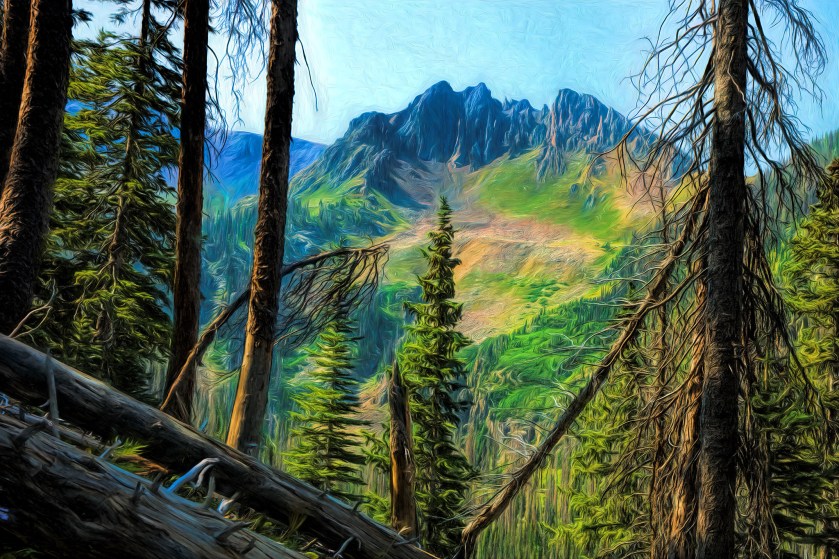
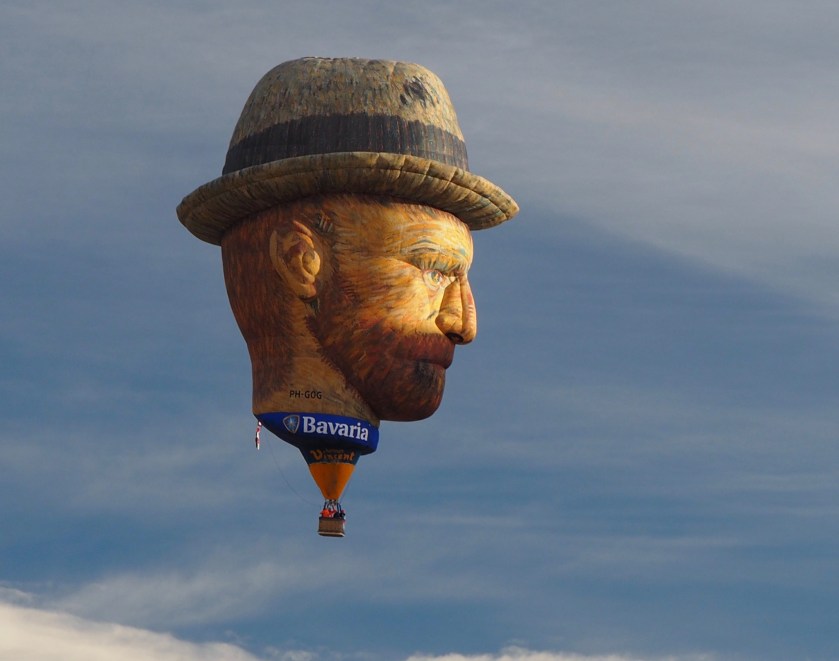
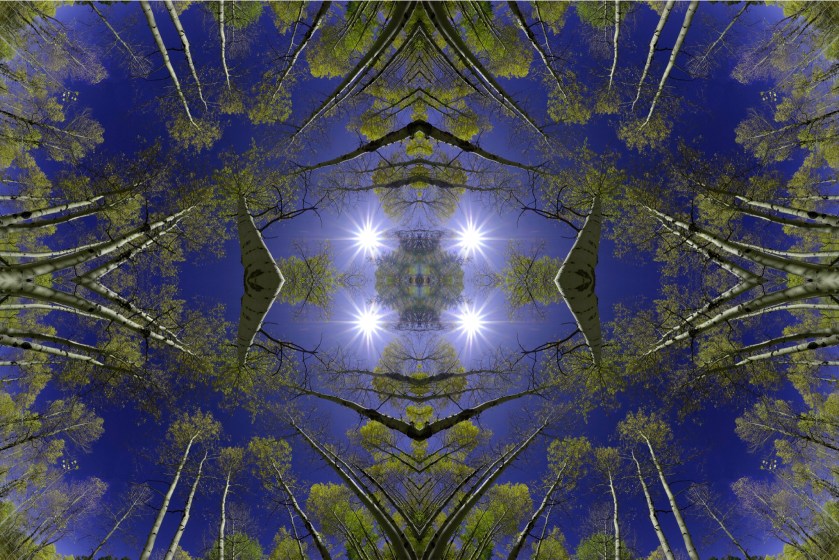
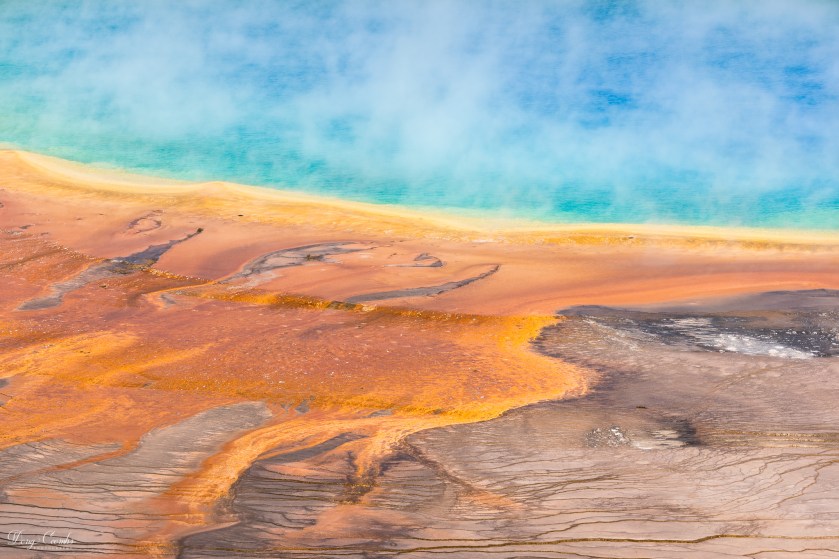
Among the images in the Creative category, the judges’ selections were “Medusa on the Ridge”, by Andy Butler, in 1st place, “Stonehead” by Fred Guthrie, 2nd, and “Spring”, by Dean Dussell in third. Honorable Mention was awarded to Dave Anderson, “Aspen Grove”; Doug Coombs, “Grand Prismatic”, and Gregg Heid, “Bavaria”. This category’s People’s Choice awards went to Bill Milner, 1st for “Crater Lake”, Fred Guthrie, 2nd for “Stonehead” and Dave Anderson, 3rd for “Cold Dinner”.


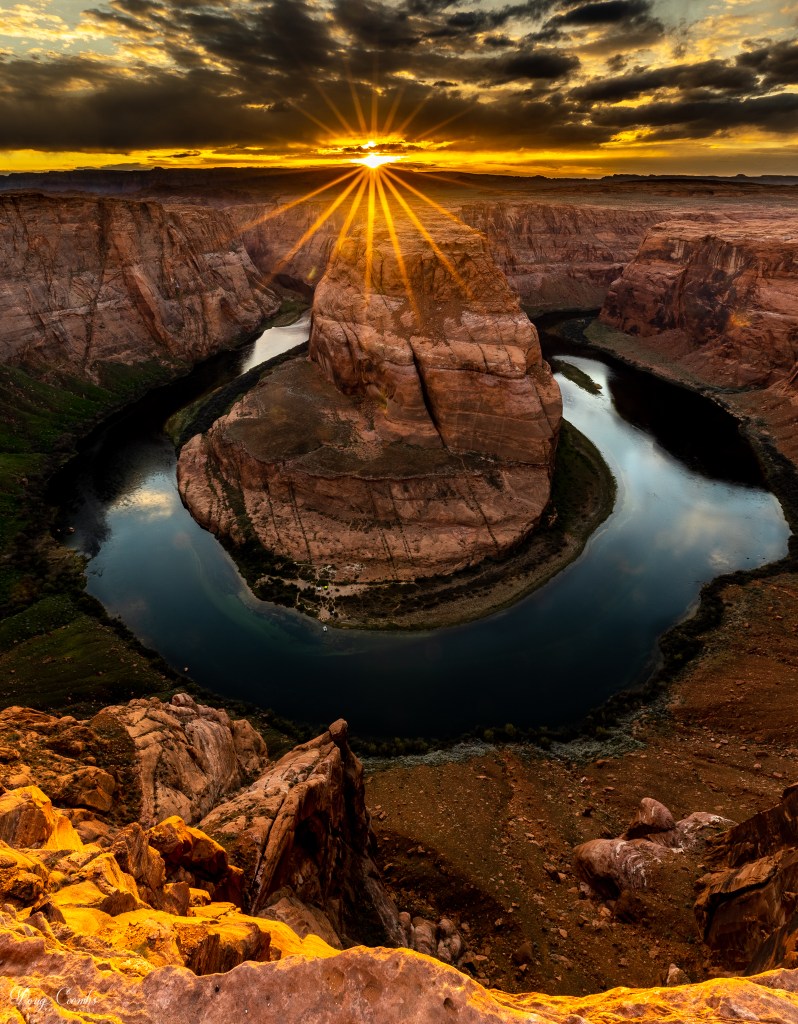
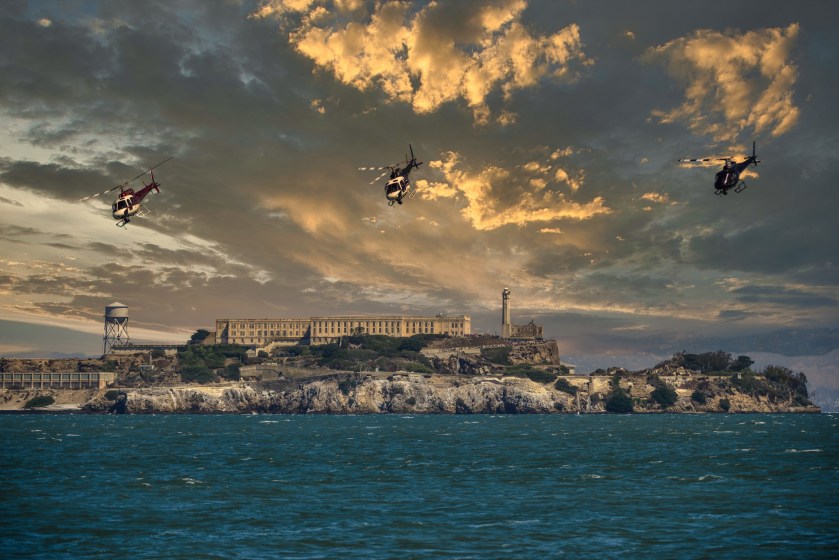
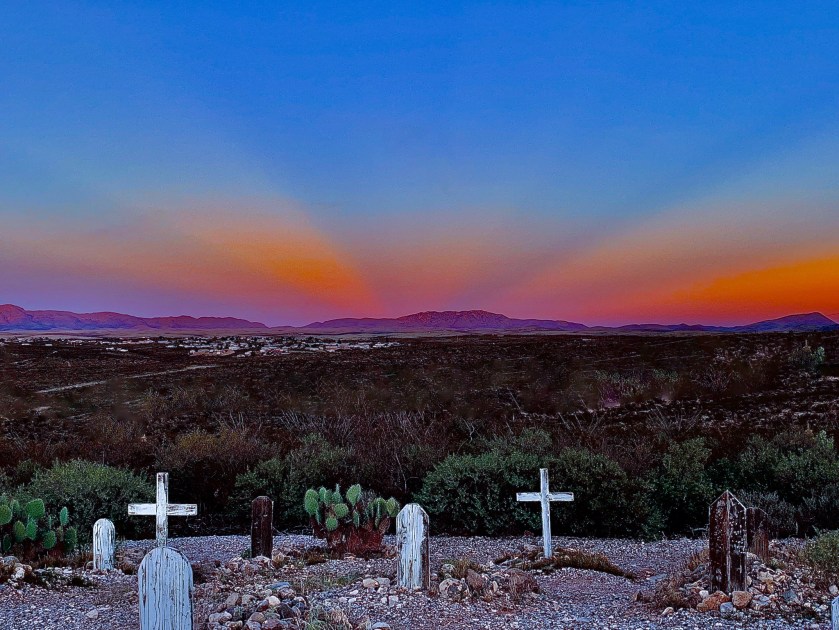
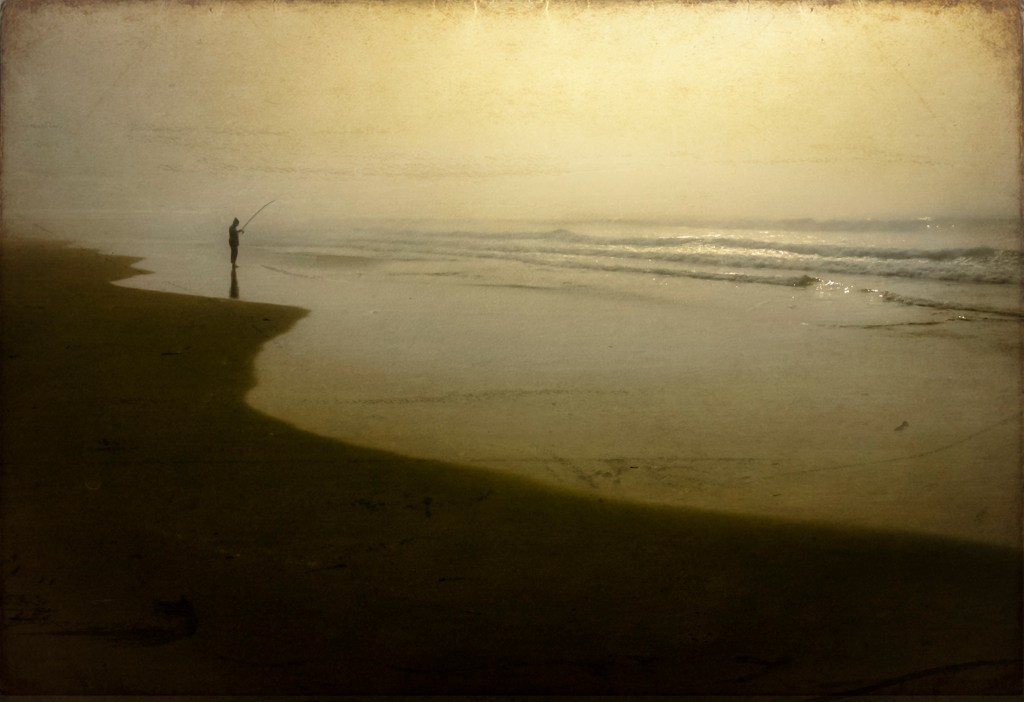
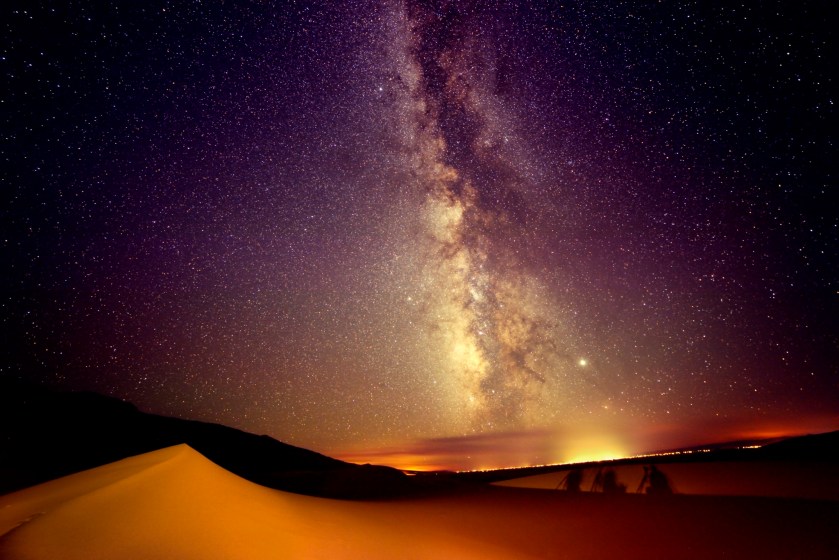
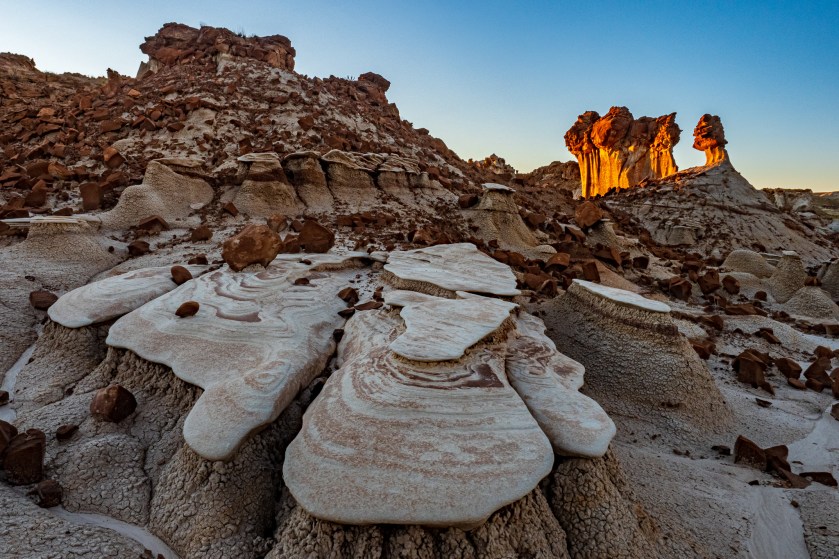
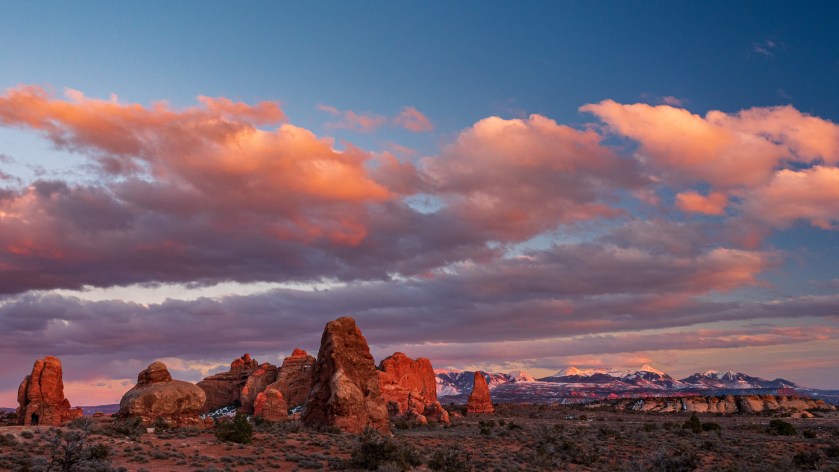
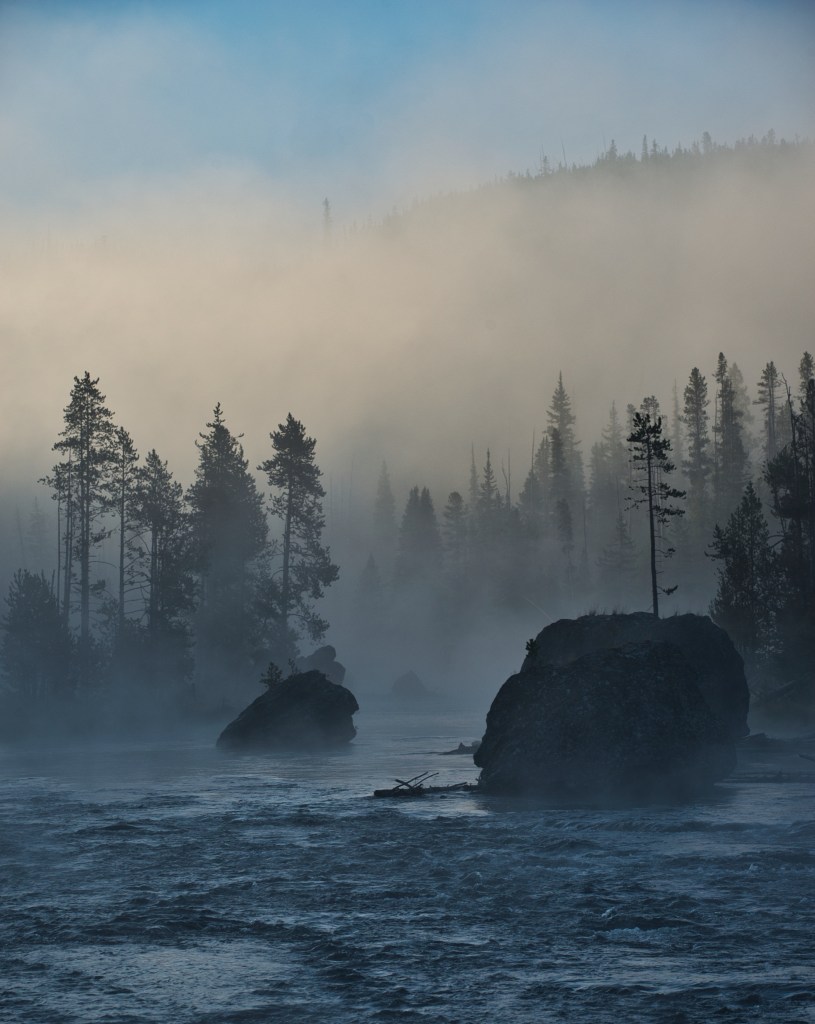
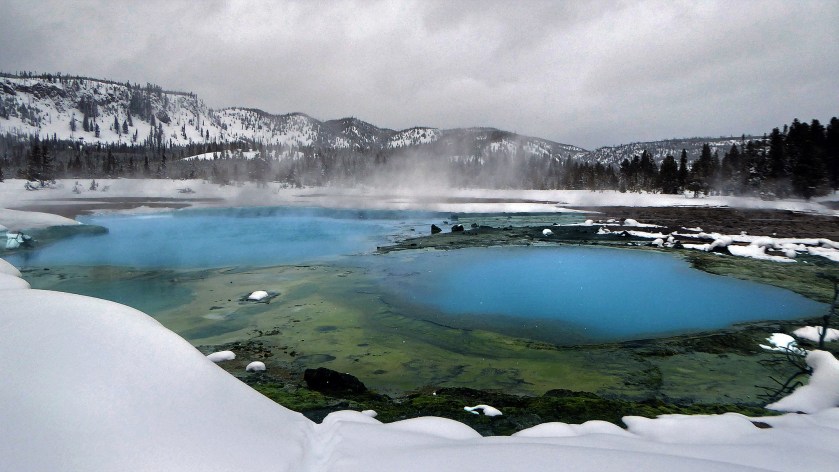
In the Landscape category, the number one image was Doug Coombs’ “Horseshoe Bend.” Second place went to Fred Guthrie for “Escape from Alcatraz” and 3rd place was “Tombstone Sunset” by Lorie Butts. The top People’s Choice vote also went to “Horseshoe Bend”, with Dave Anderson in 2nd place for “Photographing the Milky Way”. Honorable Mention images were “Silent Roar of the Ocean”, Linda Pampinella; “Photographing the Milky Way”, Dave Anderson; “Sunset at Morel Hoodoos” and “Red Rock Twilight”, Andy Butler. The People’s Choice voting resulted in a three way tie for 3rd place, between Dave Minkel for “Fire River”, Dean Dussell for “Thermal Pools” and Andy Butler for “Sunset at Morel Hoodoos”. Congratulations to all the winners, and thanks to everyone who took part in this year’s contest!

Planning Landscape Photos

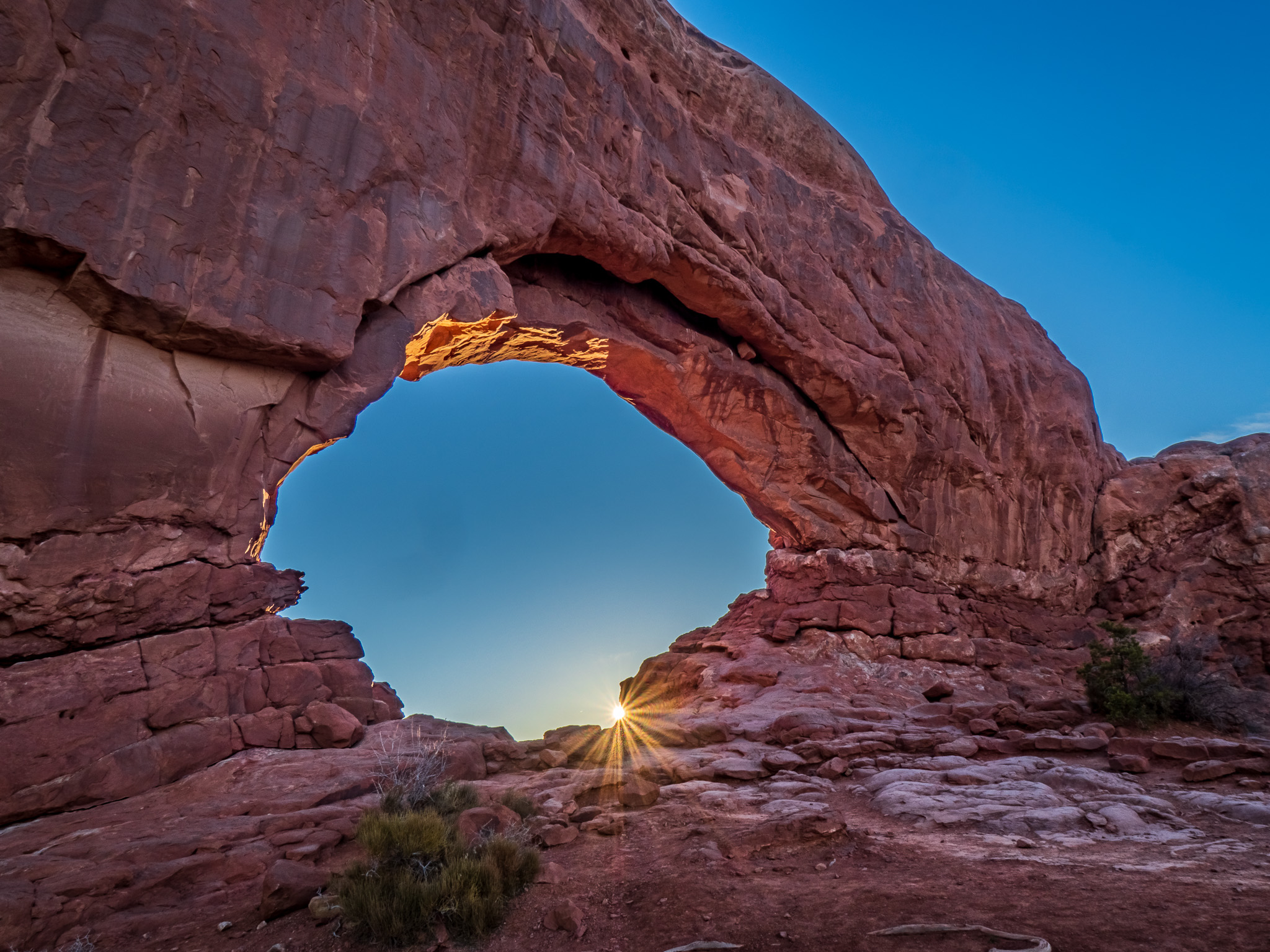
Sunrise, North Window
Sunrise, North Window, © Andy Butler

The Pagosa Springs Photography Club will meet virtually, via Zoom videoconferencing, on September 9 at 6:15 PM, Mountain Daylight Time. This month’s presentation will be by Andy Butler, and the topic will be “Using Digital Apps to plan and visualize landscape photos”. 

In landscape photography, the photographer often wants to create an image of a photogenic subject under dramatic light, such as sunrise or sunset; moonrise or moonset. While there are many websites and programs that can provide the times and compass bearing for sunrises and sunsets, there are a few that go beyond this in ways that are very helpful to photographers when planning.  In this presentation, three apps will be discussed and demonstrated: The Photographer’s Ephemeris, PhotoPills, and Sun Surveyor. 

These apps are useful in multiple ways. At home, you can place a pin on a map anywhere in the world, on any desired date, to view how the sun, moon and Milky Way will move throughout the day. You can search for specific events, such as when during the year the sun will rise over Square Top, as observed from a specific point.  In the field, the apps have Augmented Reality features, which allow you to visualize the path of the sun, moon and Milky Way as they move through the sky, against an image of the landscape through your smart phone’s camera.  

Following the program, we will have our usual image share. Club members may submit up to five photos to share. Please email your images for sharing, by September 8, to abutler@mac.com . For Zooming, a larger image size is desirable, 2000 tall by 3000 pixels wide or more. 

Club members will receive the link for joining the Zoom session by email. If you are new to Zoom and have not yet downloaded it to your computer/tablet/phone, visit the Zoom download page, https://zoom.us/download , to do so. It’s really easy to use. For most of you, all you will need to do is click the “Link to join Zoom meeting”. 

Update:  A video of this presentation, recorded from the Zoom meeting, is available for viewing at: https://www.youtube.com/watch?v=VF3oqSnivaw .

2020 Digital Photo Contest

ContestHeader2020The Pagosa Springs Photography Club (PSPC) is pleased to announce our Third Annual Digital Photo Contest. The contest is open to all current members of the Club. New members may join at the time they enter the contest. There will be four categories: Landscape, People, Creative, and Nature. Each member may submit two images per category (up to six total). Images may be submitted as digital files. This year, there is no entry fee. Submissions are due by September 11, 2020 and will be judged by two independent professional photographers. Awards will be presented at the PSPC October meeting, which will be held on October 14, 6:30 PM. All entries will be displayed at the awards party.

For contest guidelines, and instruction on entering your images, go to: https://pagosaspringsphotoclub.org/wp-content/uploads/2020/08/2020-contest-guidelines.pdf

To download an entry form, click: https://pagosaspringsphotoclub.org/wp-content/uploads/2020/08/2020-pspc-contest-entry.pdf . The guidelines and entry form have instructions on how and where to submit your files.

If you are not currently a 2020 paid member, you may join the Club or renew at the time you submit your images. A membership form can be downloaded here: https://pagosaspringsphotoclub.org/wp-content/uploads/2018/02/memberappliciation18.pdf .

Our goal with this contest is not only to recognize members for their talent, but also to encourage everyone to share their best work with the rest of the group. So pick your images and send them in!

Angle

by Joseph T Sinclair

by Joseph T. Sinclair

The classic photographic angle for shooting is 4.7 feet off the ground to 6 feet off the ground; that is, it depends on the height of the standing photographer. Clearly, this angle is not one-size-fits-all. Consequently, you should strive to take photographs from an angle that best suits the subject. The question is, how do you do that?

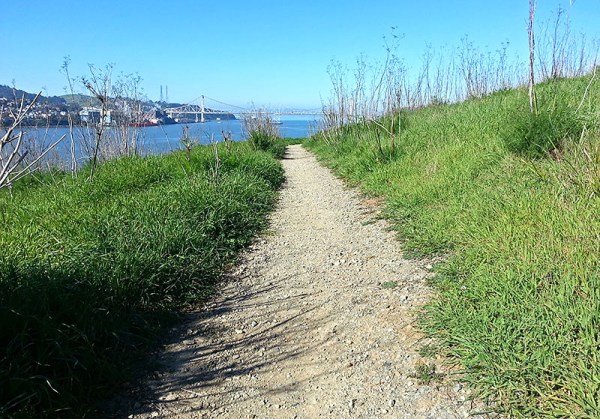
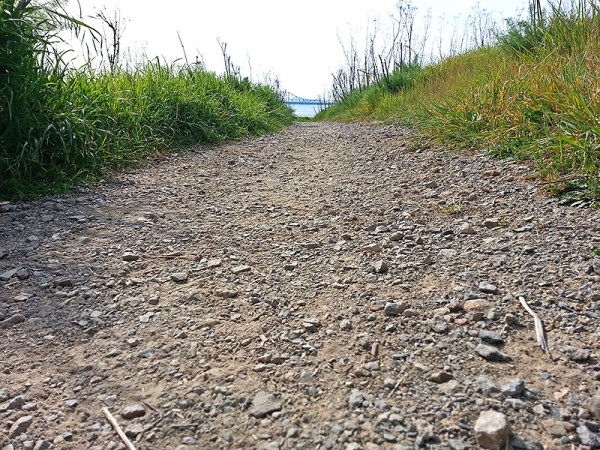
First, always be aware of what the possibilities are. For example, you can easily change the angle just by sitting down and shooting or even lying on your stomach. Such an angle is not appropriate for all photos, but it can add a lot of drama to some photos.
20150304_094610-b

Taken at lower than eyelevel on a trail along the Carquinez Strait
20150321_161349-b

Taken flat on the ground

Second, if you have an articulating LCD screen on your camera,  you can set it so that you can lower your camera at arm’s length or raise your camera at arm’s length to get an extra couple feet for a different angle in your shot. You need to set the articulation, of course, so that you can see the screen while you shoot.

Third. Can you climb on something nearby to get a higher angle shot without being arrested? I don’t advocate jumping on top of someone else’s car, but there may be something nearby that you can climb on safely and get that extra high shot. If you’re doing a well-prepared photo shoot, you can even bring along a stepladder to get a higher shot.

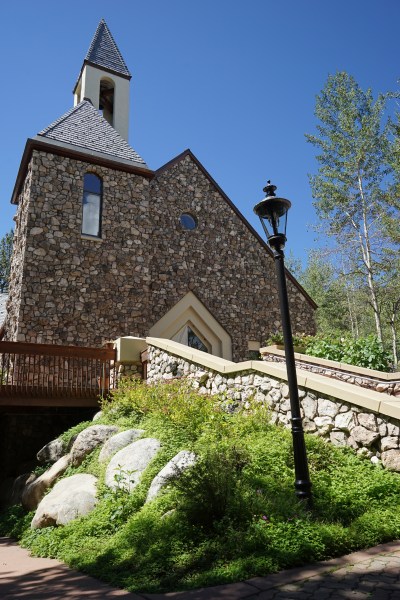
Fourth. Can you find a place where you can get a low shot? I don’t advocate removing manhole covers and climbing down into the sewer to get a street-level shot. But there are plenty of places where you might be able to get significantly downhill from the subject to take a good shot.
DSC02341-d2

Gerald R. Ford memorial nondominational chapel at Beaver Creek, Colorado

Fifth, along a horizontal plane, you can change your angle by moving right or left. It’s usually standing in front of the subject that might be the least interesting. But with a little energy, you might visit each side of the subject to see whether you can get a good side-angle shot that’s better than a front shot.

Sixth, what about a shot from behind? Maybe shooting the subject head on is not your best photo. Maybe getting behind the subject and shooting will give you a better photo or at least an additional worthwhile photo.

DSC08894-q2

A horse of a different angle

Seventh, think of your subject as having a transparent geodesic dome over it and that you can take a photo from any place on the dome that you can reach safely (e.g., by walking, climbing, or drone).

Eighth, consider all the angles that might bring you some additional interest. For instance, if you consider all the angles, you might come with an angle it has a surprising foreground or background that you had not previously perceived. You might see additional subjects that you can include in your photograph that are otherwise not visible from your original shooting angle.

Ninth, when you find yourself at an unusual angle, take full advantage of it while you can. For instance, if you happen to be driving along the top of a hill, stop and take a look to see if there’s a good photograph to be taken of something below.
sinclair-1

sinclair-2

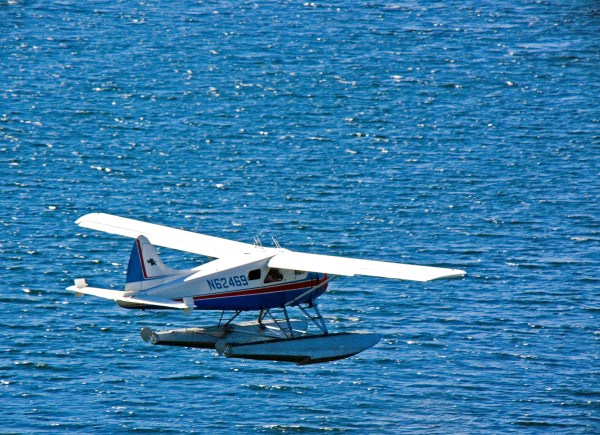
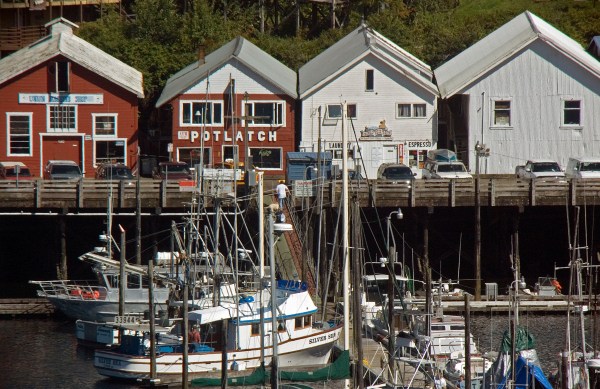
Taken from a cruise ship in Alaska 70 feet above the water

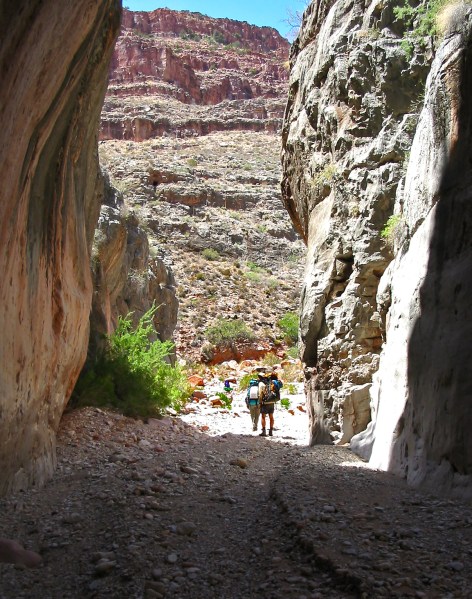
Tenth, dive into the subject (the scene) to look for a photo. I once got to sit in the middle of the Denver Symphony Orchestra while in rehearsal, a great photo-op. For a more pedestrian example, most people go to the Grand Canyon, stand on the rim, and take photos. Sure, you can get some great shots. Never mind the haze in the air from West Coast pollution that’s been there for last 60 years. And when you’re done, you have the same photos that have been on 900 million postcards going back more than a century. But if you take the nearest trail down into the canyon, with each step down you’ll begin to see fantastic photo-ops that you’ve never seen before. It doesn’t matter which trail; you don’t have to go very far; and most of the tourist trails are not difficult. It’s the same world from a different angle. The different angle yields original new images.
Rotation of 100-0096_IMG-d

On a trail in the Grand Canyon below the rim

Finally, think ahead and go prepared. For instance, if you’re going to shoot flowers for several hours and be on your knees much of the time doing so, take along some knee pads. If you going to shoot insects laying on your stomach for a considerable time, take along a blanket to lay on. If you’re going to climb a hill to get a good angle, wear some sturdy shoes or hiking boots.
Luminosity & Color Masking in Lightroom, July 8

_O9A0571
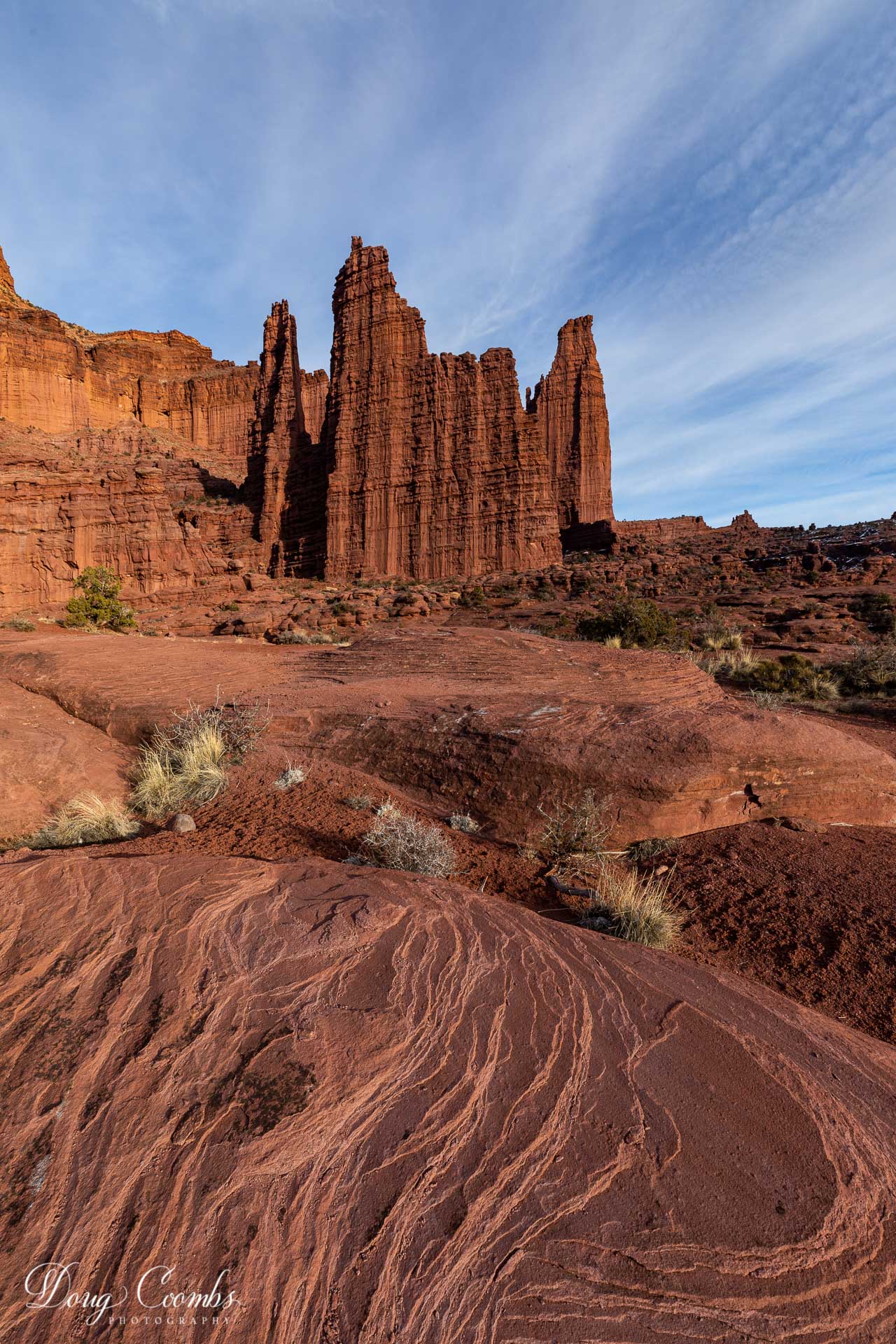
Fisher Towers, © Doug Coombs

The July 8 meeting of the Pagosa Springs Photography Club will be held at 6:15 p.m., on-line via Zoom videoconference. We welcome back Doug Coombs, who will give a presentation on Luminosity Masking in Lightroom.  

Adobe Lightroom added the capability to use luminosity and color to target local adjustments using the Gradient, Brush, and Radial tools in 2018 using the “Range Mask”. This enables the photographer to make precisely targeted adjustments to selected areas of a photograph. Think of it as dodging and burning, contrast adjustments, color adjustments and other post processing techniques on steroids. Doug will demonstrate how to use the Lightroom Brush and Gradient tools with and without the Range Mask. We may even distribute a photograph to the audience that Doug will process in Zoom and Lightroom while the audience opens Lightroom on their computers to perform the same adjustments. Everything Doug will show in Lightroom can also be done in Adobe Camera Raw, for those you only own a recent version of Photoshop. For a video tutorial on these controls, check out Matt Kloskowski’s blog post on the subject, at:  https://mattk.com/lightrooms-most-powerful-masking-tools/  .
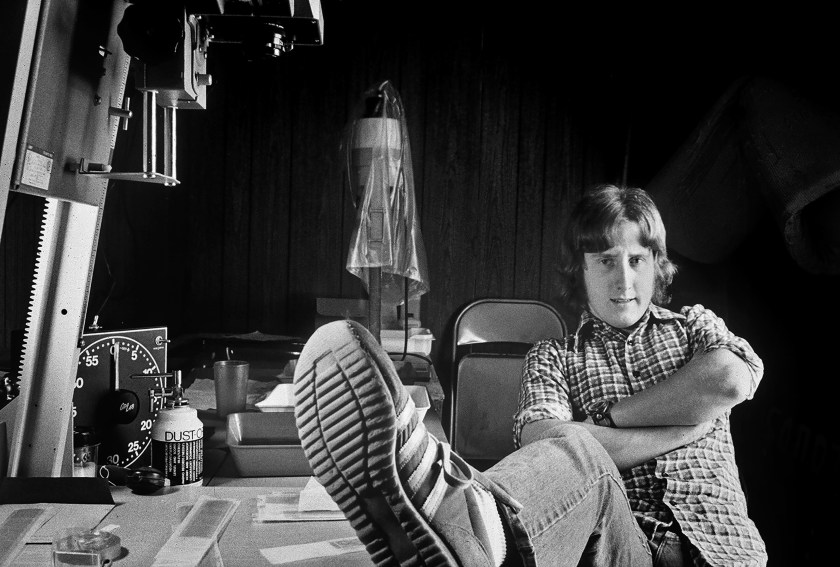
Doug is the chair and co-founder of the Los Alamos Adobe Users Group in New Mexico and a former chair of the Los Alamos Photography Club. He has been doing photography since high school, worked as a photographer and dark room tech in college, and fell in love with digital photography in 2003. Doug is primarily a landscape and nature photographer, with an affinity for birds and wildlife. He now splits his time between Los Alamos, Pagosa Springs, and a generous amount of travel to various photogenic destinations.
This will be a virtual meeting, live on-line, using Zoom video-conferencing. You may participate in the program from the comfort and safety of your own home. Photography Club members will receive a Club email containing the Zoom weblink to participate in Doug’s presentation. Members may also submit up to five photos to share, following Doug’s talk. Others who are interested in taking part in the Zoom meeting may contact Club president Andy Butler for information, at abutler@mac.com . 
The Pagosa Springs Photography Club promotes educational, social and fun interactions between any and all who enjoy making and viewing great photography. Annual membership dues are just $25. For membership information visit our website at https://pagosaspringsphotoclub.org/about/ 

Cam – Mic – Zoom

by Joseph T Sinclair

For those who haven’t participated in a Zoom meeting yet, it is very compelling. Give it a try. The Club’s Zoom meetings have been great fun. The essence is that video really makes the meetings compelling, but there seem to be many participants without video. I encourage everyone to get a video camera (cam).

Most laptops, tablets, and smartphones have built-in microphones (mics) and cams. If you have a desktop computer (or laptop) without a mic and cam, however, you can purchase USB mics and cams that work well.

Logitech seems to have a monopoly on the high-quality cams, but Logitech is out of stock most of the time (same for Amazon and other vendors). Logitech cams sell on eBay now for 100% to 300% of MSRP, including the used ones. Very old models sell for high prices too. This won’t last forever, but the demand is very high now.

Unbranded cams sell as low as $20 on Amazon. I recommend buying a more expensive one with more features (e.g., $40 to $80). Check the reviews and make sure the delivery date is soon. Many cams come with a built-in mic, particularly the most recent and higher-priced models. Of course, attending a Club Zoom meeting is worth much more than $80.

If you need a mic, there are some good quality USB podcast mics available for $40 to $70 that you can find by googling “best inexpensive microphones for podcasting.” But many less expensive USB mics work well too.

If you want a really sharp video image with a great sound, you will need to spend $100 or more on a Logitech cam, if you can find one that isn’t marked up above MSRP and is available now. But some of the more expensive unbranded cams on Amazon might be high quality too. Of course, Amazon isn’t the only place to buy cams. Most of the places that sell computers and cameras also sell cams.

FYI: Zoom had 10 million daily participants in December 2019. Today it has 300 million daily participants. A Zoom account is free; but more useful Zoom accounts (bigger meetings) cost a monthly fee. You do not have to have a Zoom account to participate in a Zoom meeting. Zoom has been the leader in virtual meetings because it is very easy for participants to use, and it works well.

2020-05-22_8-29-31