The Pagosa Springs Photography Club is pleased to announce our Sixth Annual Digital Photo Contest.
There will be four Contest categories this year: Landscape, People, Creative, and Nature. The contest is open to all current members of the Club. New or renewing members may join at the time they enter the contest. Each member may submit two images per category (up to six total), for a flat entry fee of $10. Images should be submitted as digital files. Submissions are due by September 15, 2023. Awards will be presented at the PSPC October meeting and Awards Celebration, which will be held at the PLPOA Club House on Vista Dr., on October 11, 6:00 pm. The top 3 images in each category will receive cash prizes. All entries will be displayed at the Awards Celebration. We will again have “People’s Choice” voting on the images entered, as well.
If you haven’t taken part in the contest previously, this is a great opportunity to get feed back, both from our judges and from other Club members, about your images. Our goal with this contest is not only to recognize members for their talent, but also to encourage everyone to share their best work. So pick your images and submit them!
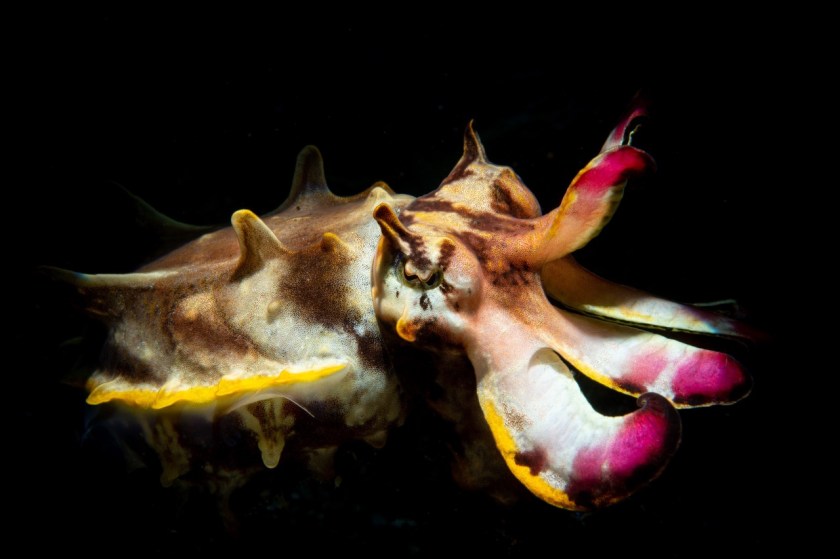
The August meeting of the Pagosa Springs Photography Club will feature a presentation by David Lenderman on The Beauty and Challenges of Underwater Photography. The meeting be held on Wednesday, August 9, 6:00 p.m., at the Community United Methodist Church, 434 Lewis Street in Pagosa Springs.
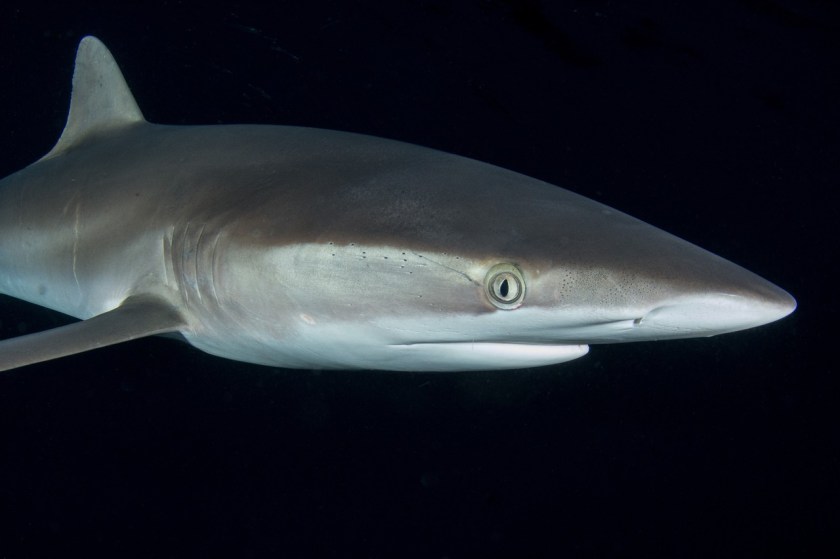
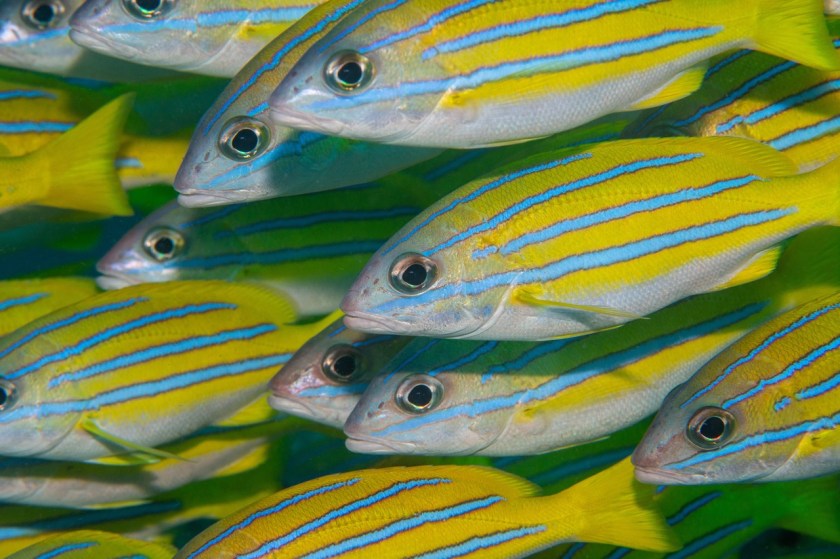
David’s program for the Photography Club will start with a discussion of why he is drawn to underwater photography. He will then share some major challenges of underwater photography and how dealing with these challenges has made him a better topside photographer. Next, David will demonstrate the equipment needed to get started in underwater photography. Finally, he will share a 3-4 minute music synced slide show of some of his favorite underwater images created in Indonesia, Philippines and Socorro Islands, Mexico.
David Lenderman was SCUBA certified in 1989 and fell in love with being underwater. In an attempt to share the amazing underwater world with non-diving friends and family members he began making photos underwater in the early 90s. By 1998 he decided to really work on improving his underwater photography.
As part of his drive to improve, David joined the Houston Underwater Photographic Society (HUPS) and learned a tremendous amount from the more experienced members. David ended up becoming very active in HUPS, eventually serving as board member, VP, and President. During his time as a HUPS member David has been awarded Member of the Year, Advanced Photographer of the Year and HUPS Lifetime Achievement Awards. Underwater he has photographed everything from 1/2” long pygmy seahorses to forty foot long Humpback whales. In pursuit of underwater subjects David has traveled to many exotic locations around the world. His favorite destinations are the biodiversity hotspots of Indonesia and the Philippines. David can’t be underwater all the time so he also dabbles in nature, travel and even portrait photography.
The meeting will begin at 6 p.m. with social time, and the program will start at 6:30 p.m. After David’s presentation, Club members may share and discuss up to five of their images with the group. This will be a hybrid meeting, both in-person and on Zoom. The Zoom link will be emailed to members; others who wish to attend may request the link by email to abutler@mac.com. Photography Club meetings are open to the public.
The Pagosa Springs Photography Club promotes educational, social and fun interactions between all who enjoy making and viewing great photography. The club sponsors educational programs and outings to help photographers hone their skills. We welcome photographers of all skill levels. Dues for 2023 are just $25 ($35 family). For more information about the Club, and to download a membership application, visit our website at https://pagosaspringsphotoclub.org/about/ .
To understand this article you must first read White?. I would add a sentence to these sentences from White?:
This [selling an all-white photograph] is going to be a hard sell, however, unless you attach some BS to it to make it valuable. You have an explanation to write and the title to play with.
The explanation takes a little work but is not too difficult. Simply research on Google what other artists have said about their all-white paintings and distill to a similar line of compelling BS.
Titles are more difficult. They take some ingenuity and cultural awareness. But an all-white painting doesn’t have much value without evocative title words.
Add the following sentence:
You can use AI to generate the BS you need for an explanation and for creating a compelling title as well. AI does this task for you with surprising competency.
My friend Tim actually did the AI generation below.
I turned the problem of promoting and selling your work over to ChatGPT. Here’s the prompt I wrote.
I have made an all-white photo that is 4 X 8 feet mounted on plywood, and framed. I hope to sell it for $20,000.00 Write a promotional announcement for the sale justifying the existence of the photo as a work of art and defending the $20,000 price tag as eminently reasonable.
The response is attached. I thought it was quite good. I get 10% if you use it. 🙂 Tim
Here is the AI response to Tim’s AI prompt:
Introducing a Masterpiece of Minimalism: “Infinite Serenity”
Step into the world of ethereal elegance with our latest creation, “Infinite Serenity” – a stunning all-white photo meticulously crafted on a grand scale of 4 x 8 feet, mounted on plywood, and exquisitely framed. This masterpiece transcends the boundaries of conventional art, inviting you to immerse yourself in an unparalleled experience of pure tranquility and contemplation.
“Infinite Serenity” is not just a photograph; it is an artistic expression that speaks volumes through its minimalist allure. Drawing inspiration from the essence of purity and simplicity, this captivating piece embodies the notion that art does not always require an intricate composition to evoke profound emotions.
At first glance, you may perceive “Infinite Serenity” as a blank canvas, but therein lies the brilliance of this creation. Like a blank page awaiting the touch of a poet’s pen, it invites viewers to become co-creators in the artistic process. The absence of overt symbolism or subject matter offers a canvas for introspection, encouraging personal reflection and eliciting unique interpretations from each beholder.
Now, some may question the $20,000 price tag associated with this extraordinary work. Let us shed light on the eminently reasonable pricing for “Infinite Serenity”:
Uniqueness: “Infinite Serenity” is a one-of-a-kind creation, making it a rare gem for art collectors seeking exclusivity and unmatched artistic value.
Craftsmanship: The meticulous attention to detail in producing this piece, fromselecting the finest materials to expertly framing it, showcases the dedication and skill of the artist, elevating its worth.
Size and Impact: The grand scale of 4 X 8 feet ensures that “Infinite Serenity” commands attention and transforms any space it graces, making it a statement piece worthy of investment.
Aesthetic Appeal: The minimalist aesthetic transcends trends and time, promising that “Infinite Serenity” will remain a captivating centerpiece for generations to come.
Emotional Connection: Art often touches us in ways that defy explanation. “Infinite Serenity” has the potential to resonate deeply with individuals, becoming an irreplaceable part of their lives.
Artistic Vision: Setting a price on art is often a challenging task, as it reflects not only the physical piece but also the artist’s vision and the intangible value of creativity and imagination.
We firmly believe that “Infinite Serenity” is not merely an object for sale but an investment in moments of reflection, introspection, and inspiration. It serves as a conduit to connect with the profound simplicity of life, prompting a meditative journey that transcends the ordinary.
Join us in embracing the allure of “Infinite Serenity” and indulge in the transcendent world of minimalist art. Owning this remarkable creation is not just an acquisition; it is an enriching experience that captures the essence of art’s boundless power to move and transform.
Visit our gallery to witness the enigmatic charm of “Infinite Serenity” and secure this remarkable piece for your collection. Be a part of the art that whispers to the soul and speaks volumes with its silence.
Limited edition. Price: $20,000.00. Own a moment of infinite serenity today.
If this is your first introduction to AI, you should be amazed. If you’re familiar with AI, you should be impressed too. But ChatGPT is not the only AI generator that’s free to use. Here are several with which you can experiment:
There has been a long-lasting fad of all-white paintings going back many years. These paintings are typically 4 ft x 8 ft or larger. They’re all white. You can find them in some museum collections regardless of the size or prestige of a particular museum. If you want to buy one, they range in price from a few hundred dollars to $30,000.
Fortunately, this fad has come to photography. Not long ago in the Napa Valley, I saw a very large all-white photograph. So, now photographers can take part in this lucrative image industry. The question is, how do you want to do this? Ironically, it may be that you are better off painting such a non-image rather than photographing it.
For example, if you are to make a 4 ft x 8 ft photograph all white, you need to find a clean white flat surface large enough to photograph (or perhaps create it in Photoshop). A metal print that size is going to cost you about $1,200. Or a paper print is going to cost a lot of money too, and you’ll have to mount it on a very large mounting board. Then you’ll need to frame it and perhaps even put glass over it. That pretty quickly adds up to hundreds of dollars of cost. That’s why I say, why not paint it instead? Here are the steps to do so:
Buy a 4 ft x 8 ft panel of half-inch plywood with a layer of paper on one side. This is a standard lumber item.
Buy a small can of latex glossy white paint.
Rent a paint sprayer.
Spray-paint the panel white on the paper side. (If you use a brush, viewers will see it’s not a photograph.)
Take 3/4 inch by 2-inch wood molding painted white (or gray) and attach it all around the panel for a frame.
Attach some wiring on the back for hanging.
Sell for up to $30,000.
This is one of the rare artistic cases where painting is easier and less expensive than taking a photograph.
This is going to be a hard sell, however, unless you attach some BS to it to make it valuable. You have an explanation to write and the title to play with.
The explanation takes a little work but is not too difficult. Simply research on Google what other artists have said about their all-white paintings and distill to a similar line of compelling BS.
Titles are more difficult. They take some ingenuity and cultural awareness. But an all-white painting doesn’t have much value without evocative title words. Here are a few suggestions:
Pallor of the Matrix
Nuclear Landscape
Cache of Enlightenment
Samantha’s Anguish
Zachery’s Clean Soul
Cloud Number 17
(I’m sure you can do better than I have.)
There you have it! An easy way to cash in on this long-standing trend. This is the easiest fine art you’ll ever create. But a good title that is currently very trendy will take a lot of reflection. It might be something you want to refer to a focus group. This fine artwork lends itself to easy scaling. (Again, an observation based on a Napa Valley photograph exhibit.) For instance, you can put a thin line across the panel (presumably at the Phi grid line), and the painting becomes a whole different work of art.
Or you can put a thick line, preferably blurry, across the painting in the same way to create an additional great work of fine art. Etc.
Why work hard when you don’t have to? Be forewarned, however, that if you proceed as I have outlined, your spouse and your friends, relatives, and neighbors may think you’re something of a slacker. They may even call you heinous names. But all great artists have endured such accusations, and you should not let that bother you. It’s enough that museum curators and art gallery managers everywhere will applaud your vacuous work. So, the hell with your own people’s scurrilous denunciations.
I have seen plenty of photographs that have been so overbaked in post processing that that they have an otherworldly or fantasy quality to them. Personally, I don’t like such photographs, but they seem to have some popularity with the general public.
Recently, I’ve been playing around with AI photograph generators. It’s my impression that many AI photographs have such qualities.
Another common AI photograph quality is lack of definition. There seem to be too many pieces of the photograph out of focus. Then too, many AI photographs are just botched up (literally). Finally, many AI photographs just don’t look right.
Nevertheless, in some cases the AI generated photographs look real. It’s difficult, if not impossible, to tell that they are not traditional photographs.
The bottom line is that you need to play around with words and make endless experimental runs using different words with the generator to craft the photograph you want. But maybe it’s just easier and more productive to go out and take the picture.
That said, my experience is just a one-off. You need to experiment yourself with AI to see what it can do for you. It’s not going to go away. And in 5 years it will work much better than it does now.
First, you need to distinguish between AI assisted post processing and AI generated photographs. AI assistance is present in many photograph editors now, and it makes the normal thing you do easier and faster.
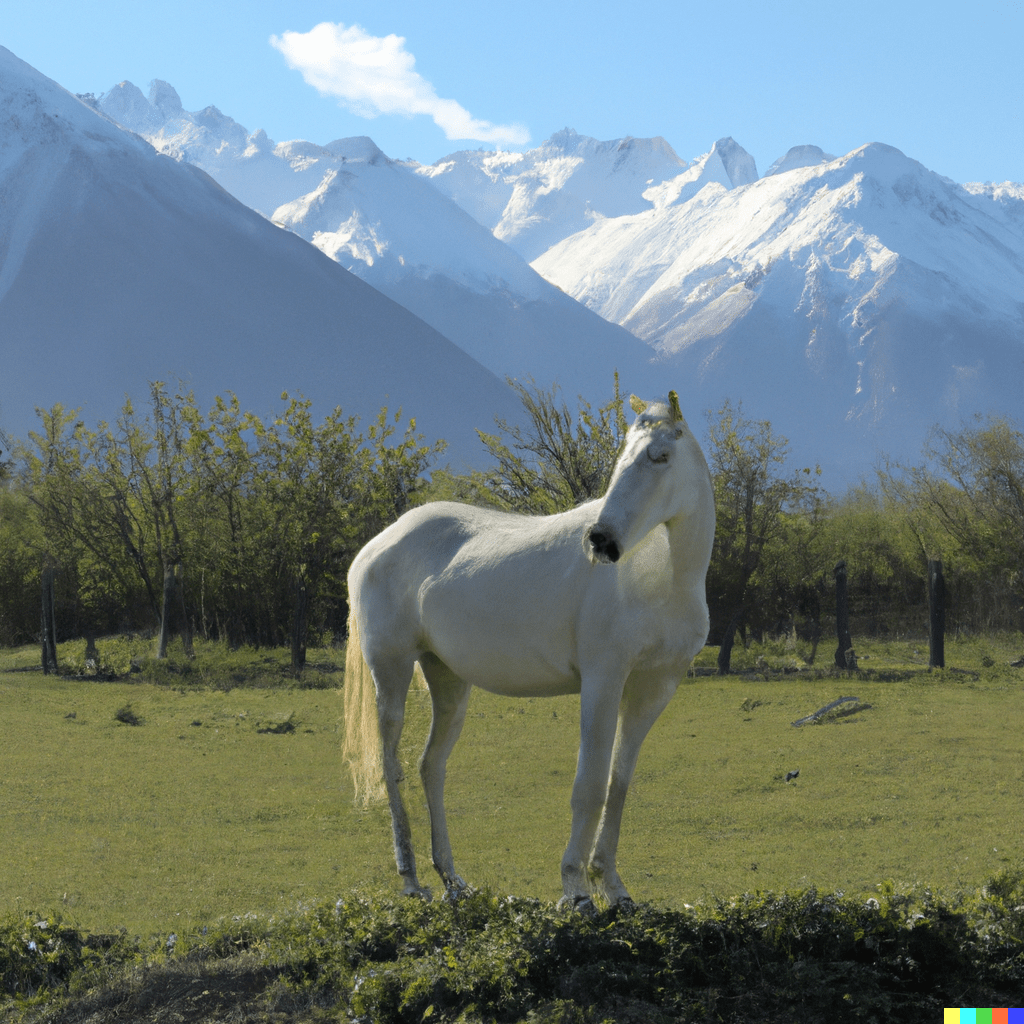
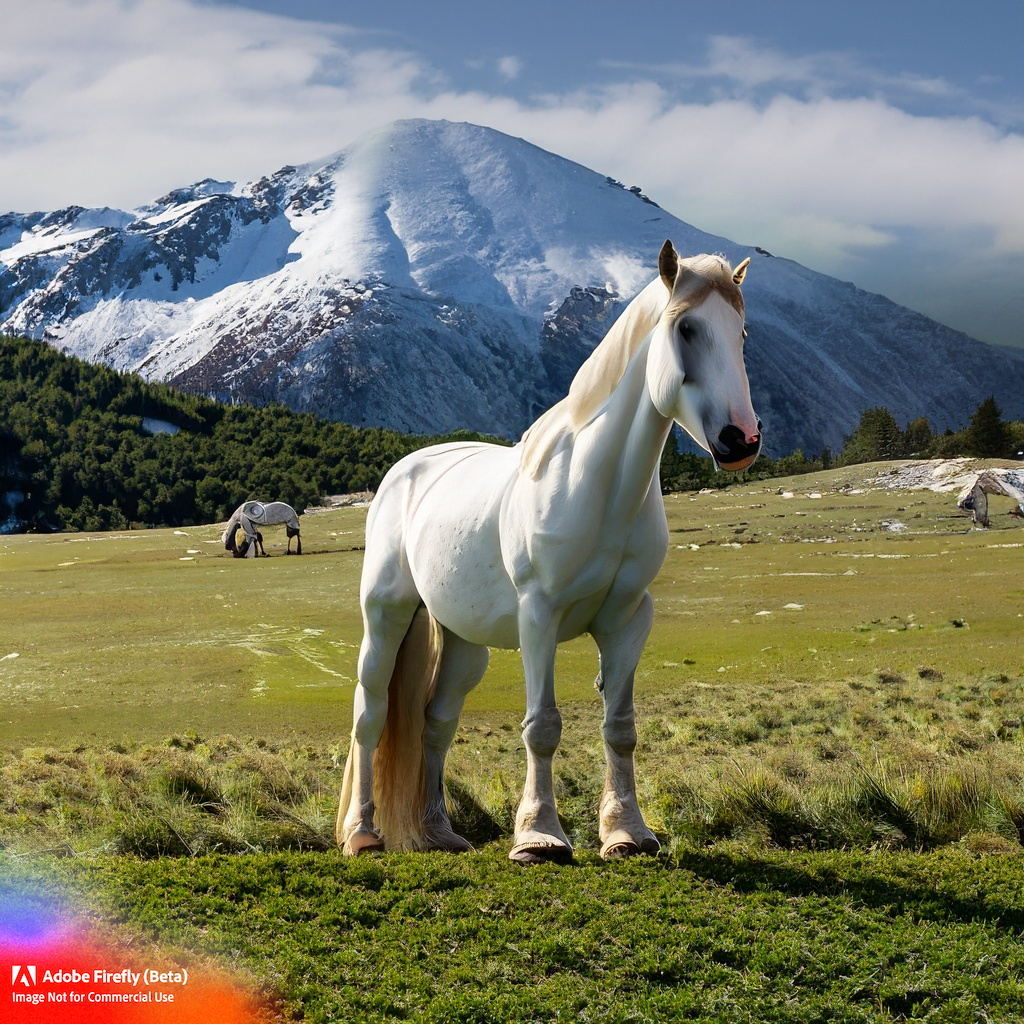
An AI photograph (image) generator, in contrast, creates a photograph from words you enter into the generator. You process the resulting photograph by changing the words and re-running the AI generator to see what you’ve got until you’ve got what you want. There are numerous AI photograph generators. Try one.
AI: white horse green pasture snow mountains [DALL-E 2 photography]
AI: white horse green pasture snow mountains [Adobe photography]
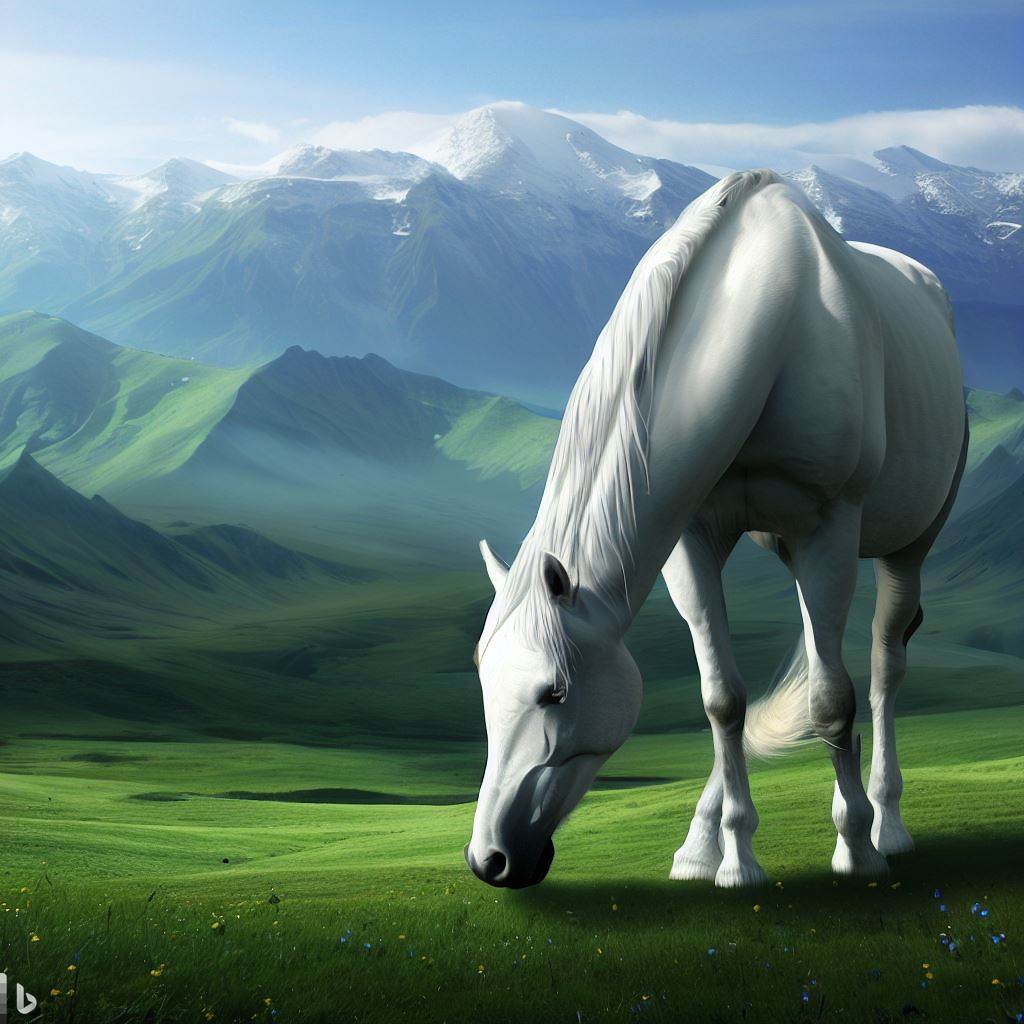
AI: white horse green pasture snow mountains [Microsoft photography]
See what you think. AI generated photographs may be adequate for many situations. But in my opinion, AI generation is currently not useable for aesthetic, realistic, color photographs; that is, the type of photographs that most of us strive for.
Nonetheless, AI generation can be useful for turning photographs into impressionist art or abstract art and for comparable processes.
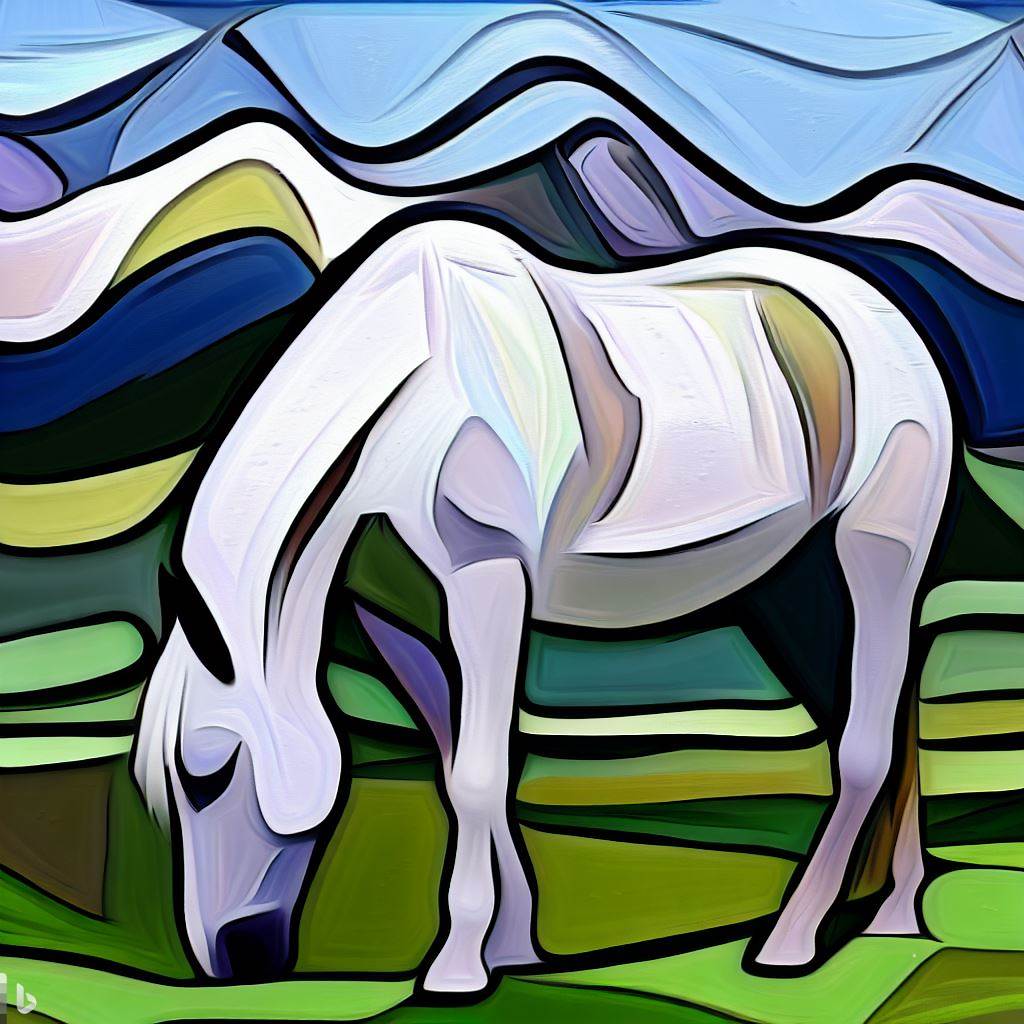
Picasso style AI image of the white horse above (Micrpsoft)
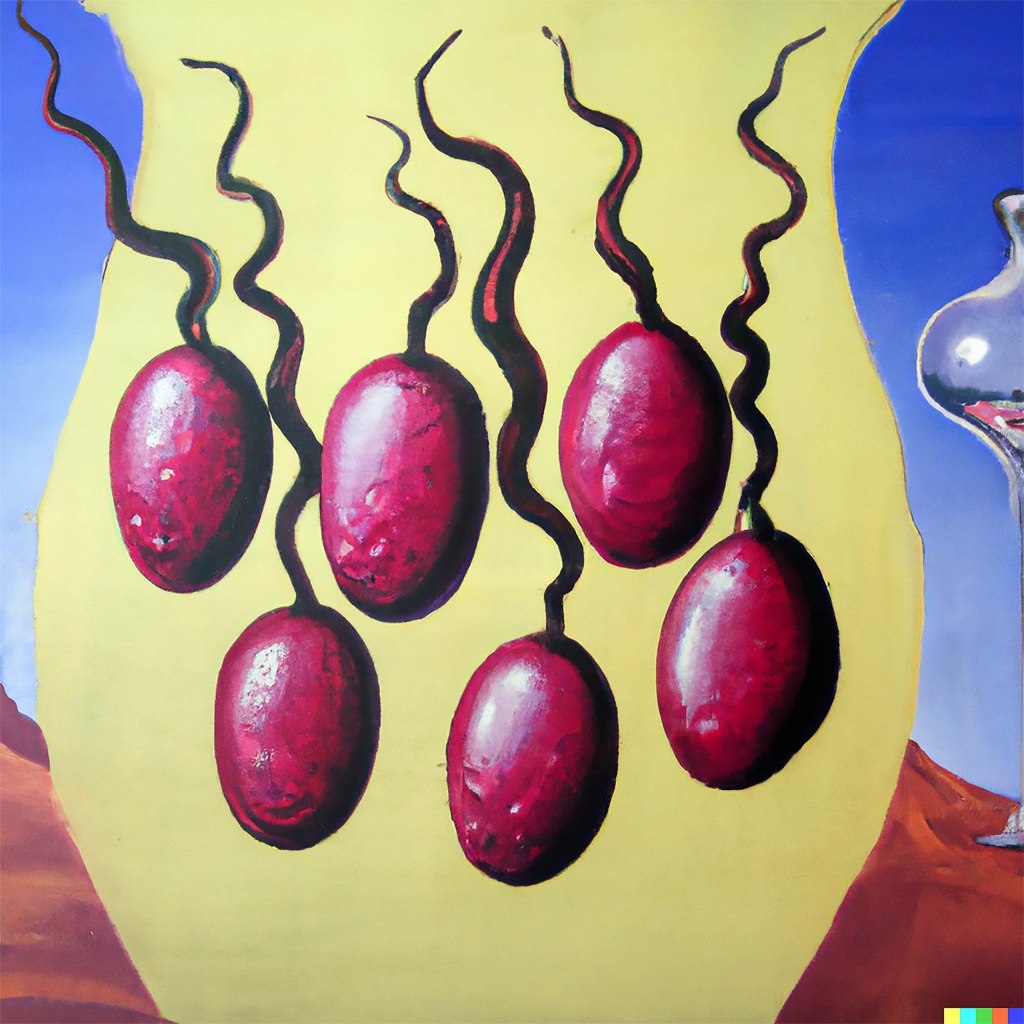
AI: a image of fermenting wine grapes painted by salvador dali acrylic paint [by Dean Busquaert]
AI is the new parlor game
I found myself with three other retired people after dinner. They all had their noses in their phones. They were making AI images, AI poetry, AI songs, and AI videos and then presenting the results to each other. The results were not particularly appealing, in fact boooring. Rudely, I dozed off until my spouse kicked me awake, and I had to pay polite attention. Of course, you know if AI is already a parlor game that it’s also well entrenched in internet platforms. YouTube, I’m guessing, has more AI video than the rest of the digital world combined.
Finally, you need to understand the combination of AI assisted post processing and AI generated images. Software such as Adobe’s Firefly incorporated into Photoshop (beta – moderate learning curve) enables you to easily apply complex processes to your photographs but to add AI imaging as well. In any case, this is a path to endless fiddling around.
Not only is this powerful digital technology but apparently Adobe is doubling the price of Photoshop (or maybe there will be two versions of Photoshop, one without AI generation).
AI is a technique for which you need to know the capabilities and limitations to determine how you might use it. Maybe a parlor game after dinner is the avenue to knowledge after all?
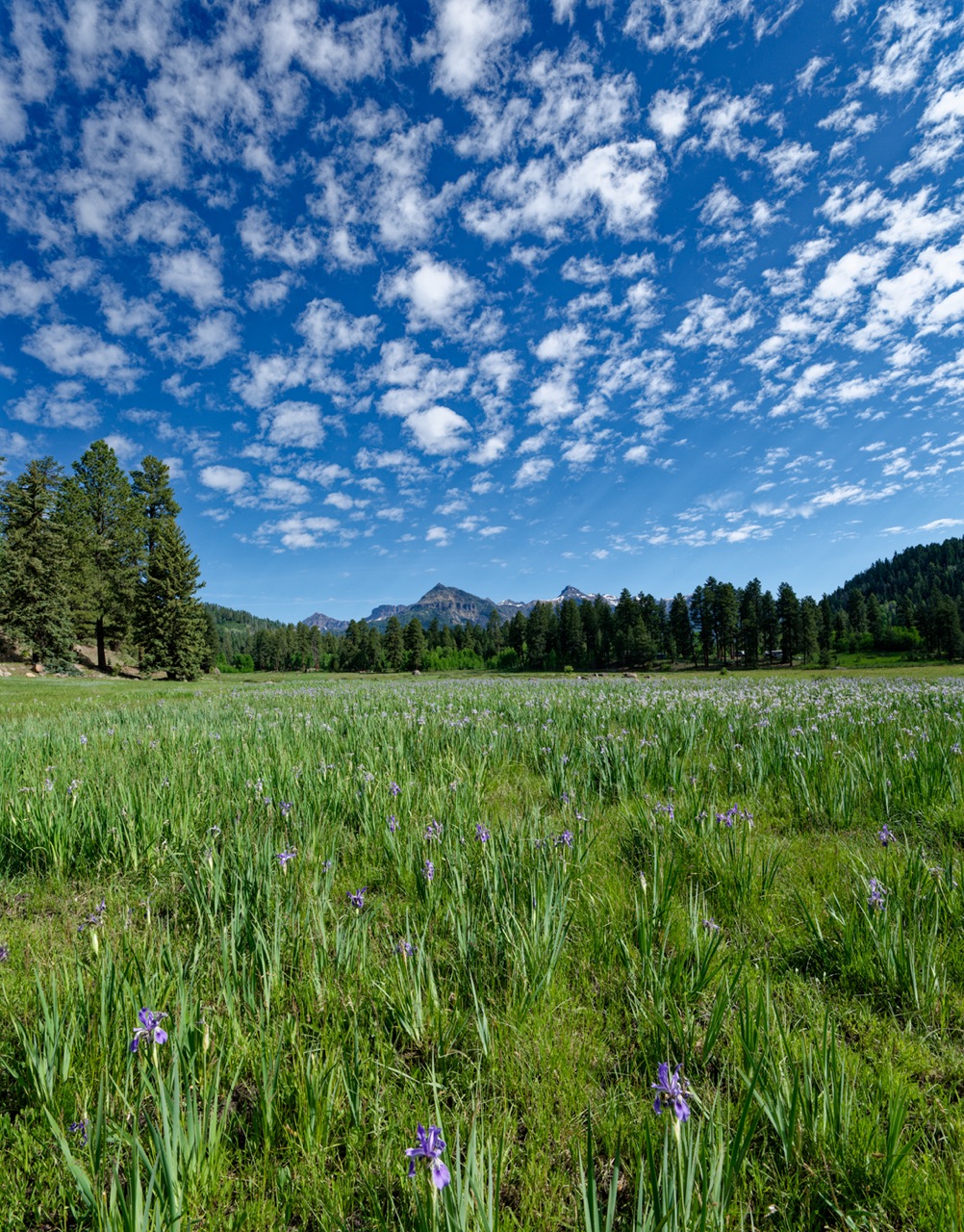
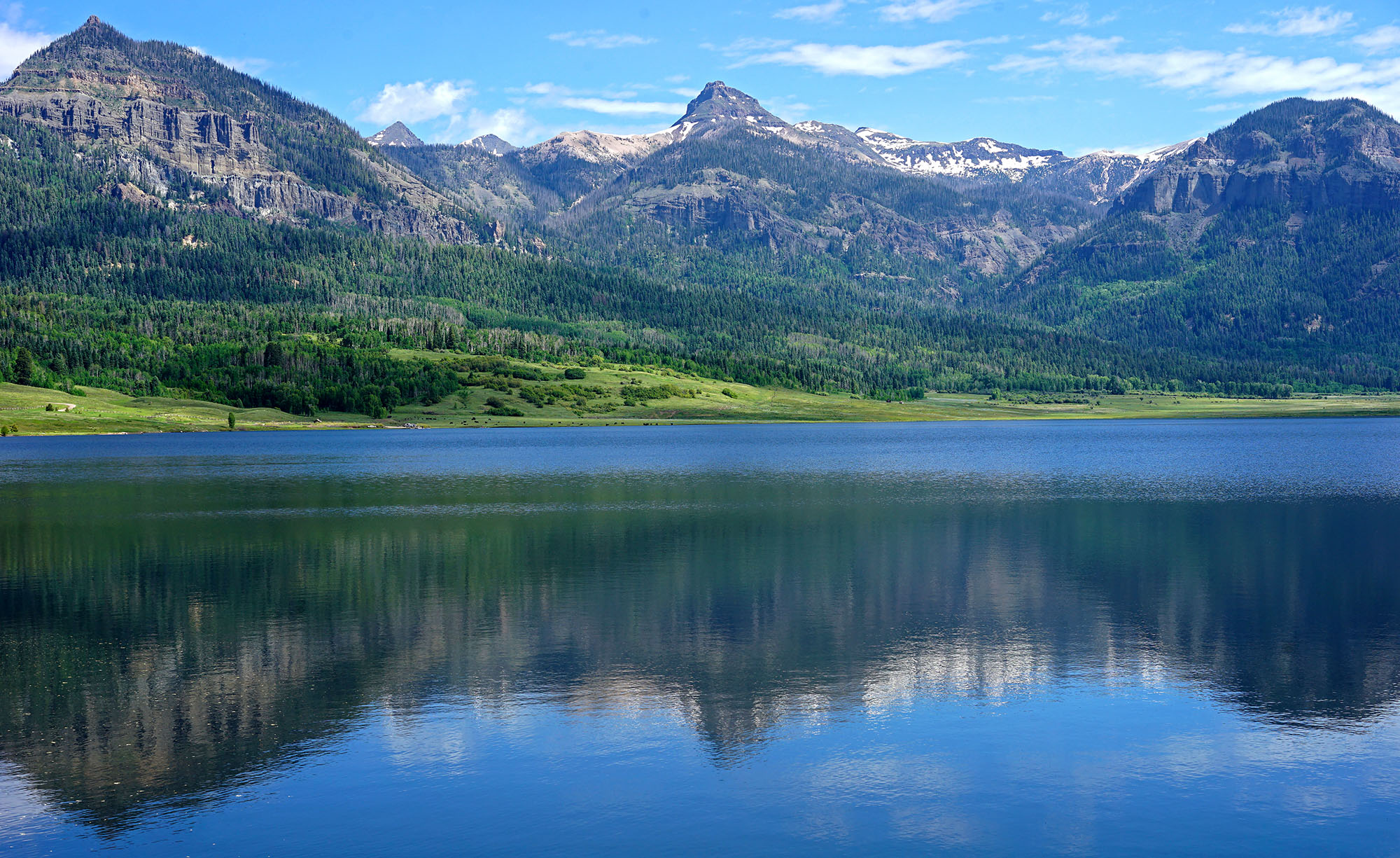
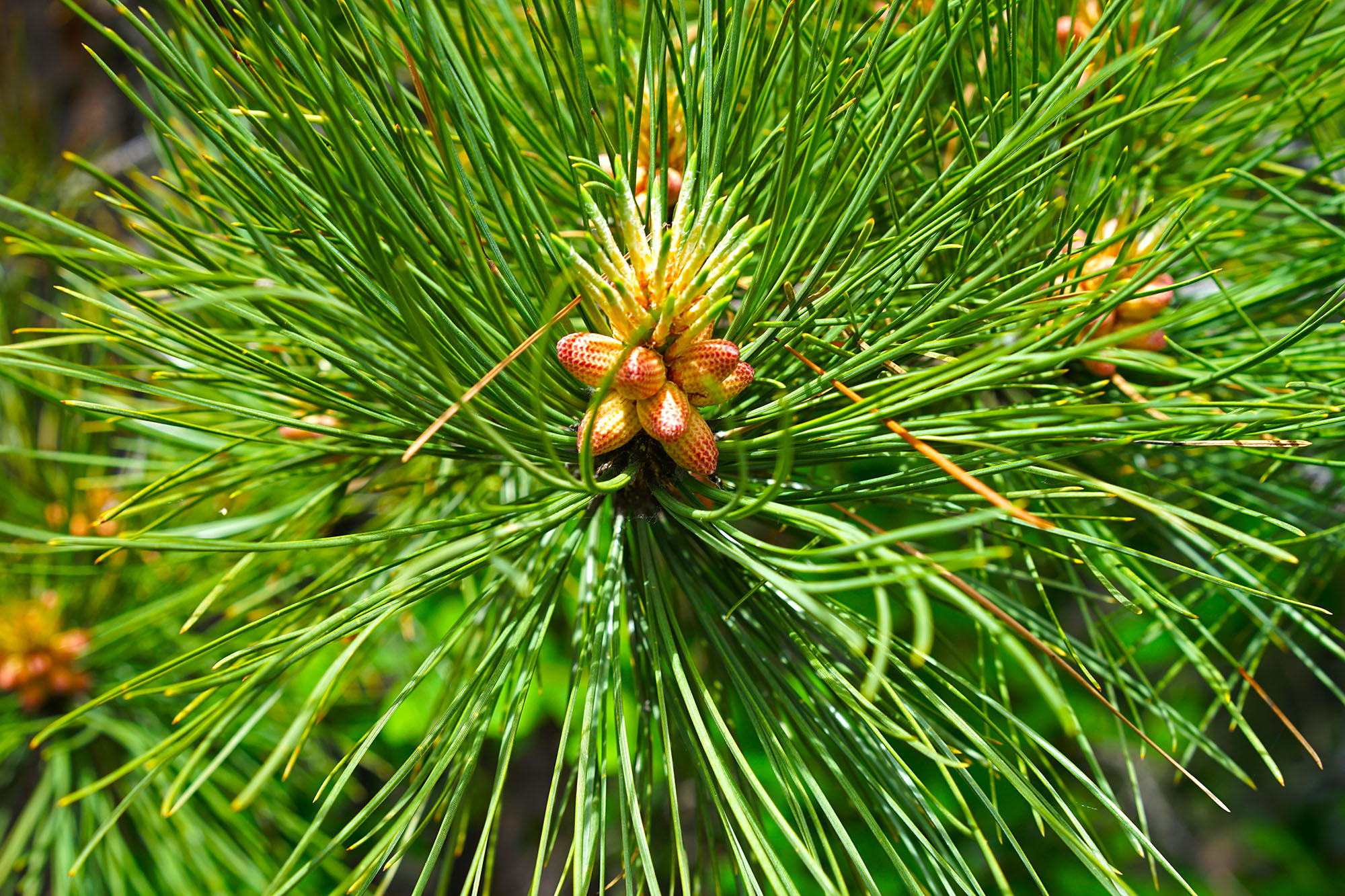
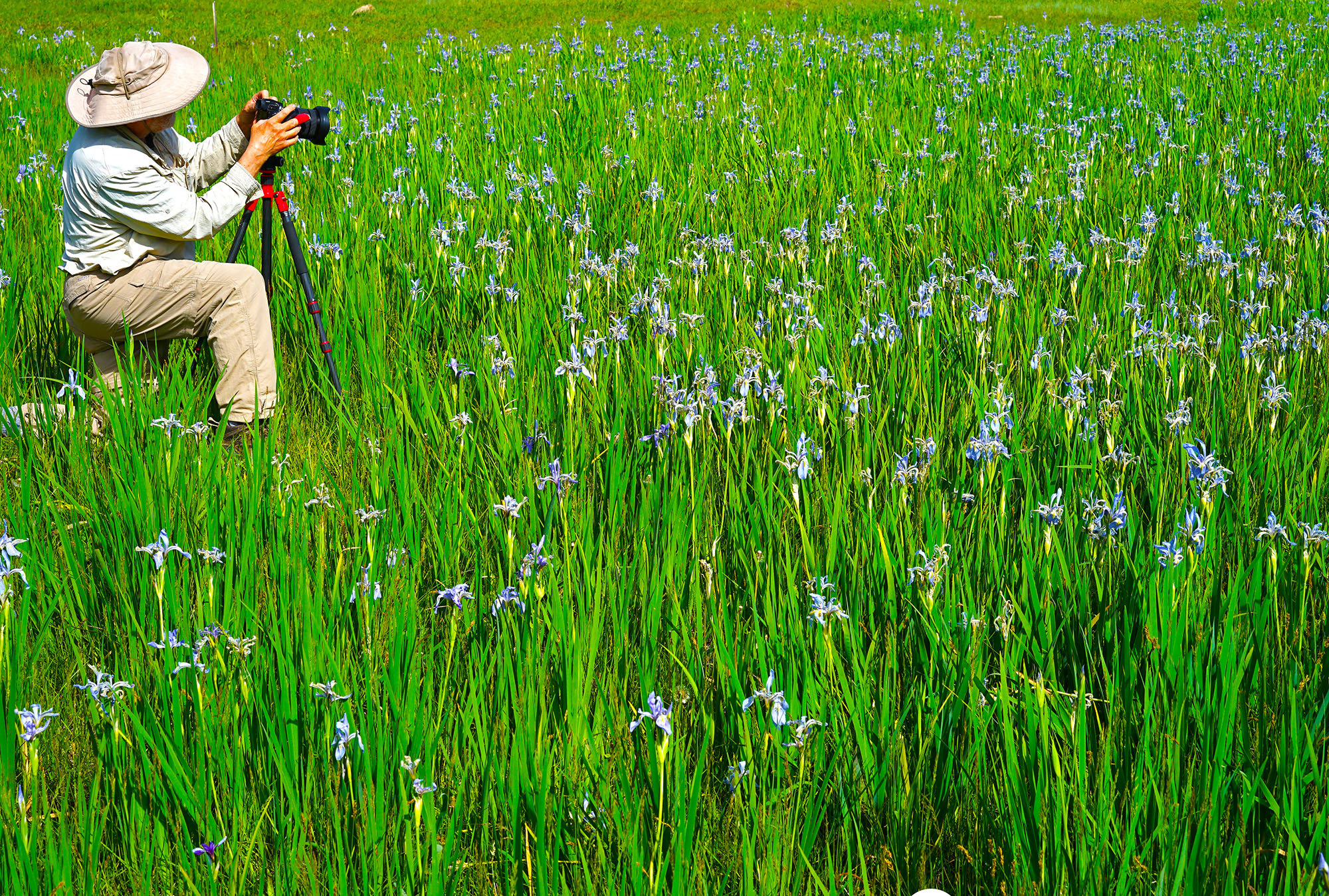
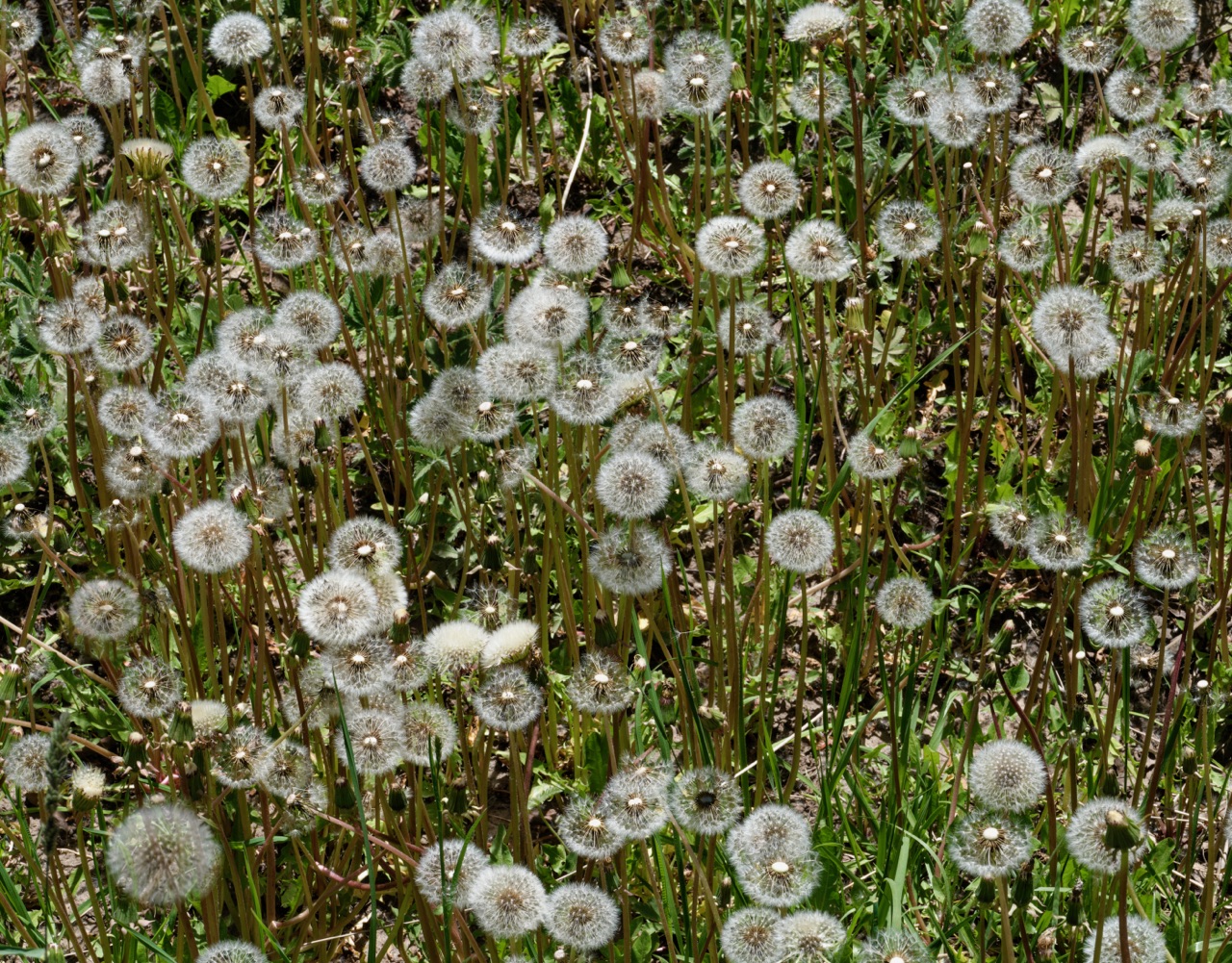
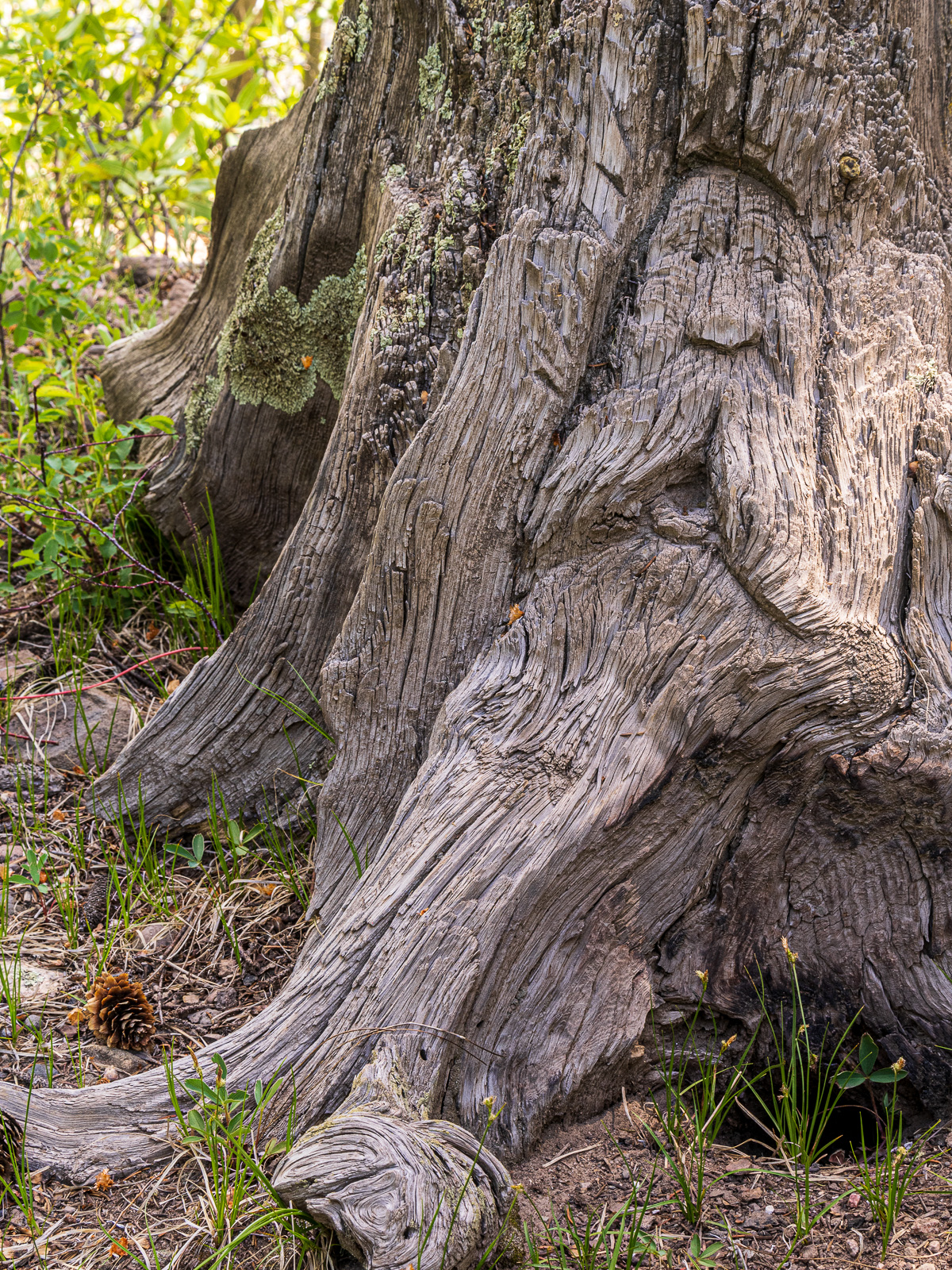
Five Photography Club members did a photo walk/drive in the Williams Creek Reservoir area on June 22. It was a gorgeous day, with a few fast moving clouds in an otherwise blue sky. Our goal was to photograph mountain scenery, reflections, wild flowers and whatever else we might see. There were still a few massive patches of iris, as well as other wildflowers in bloom. We managed to find two of the elusive forest gnomes; carvings of bearded gentlemen in stumps near the lake. Below are a few photos of the day, from Dave Anderson, Andy Butler, and Joe Sinclair. Click on the photos to see larger versions.